

ENCO captioning and translation.
ENCO's enCaption writes live captions and transcripts automatically, on-premises or in the cloud, and puts them on the cable channel, the web stream, the screens in the room and attendees' phones. We plan the audio and the caption path, install the system and train your team.
Prefer to talk? (888) 656-6233Authorized ENCO dealer · East Rutherford, NJ
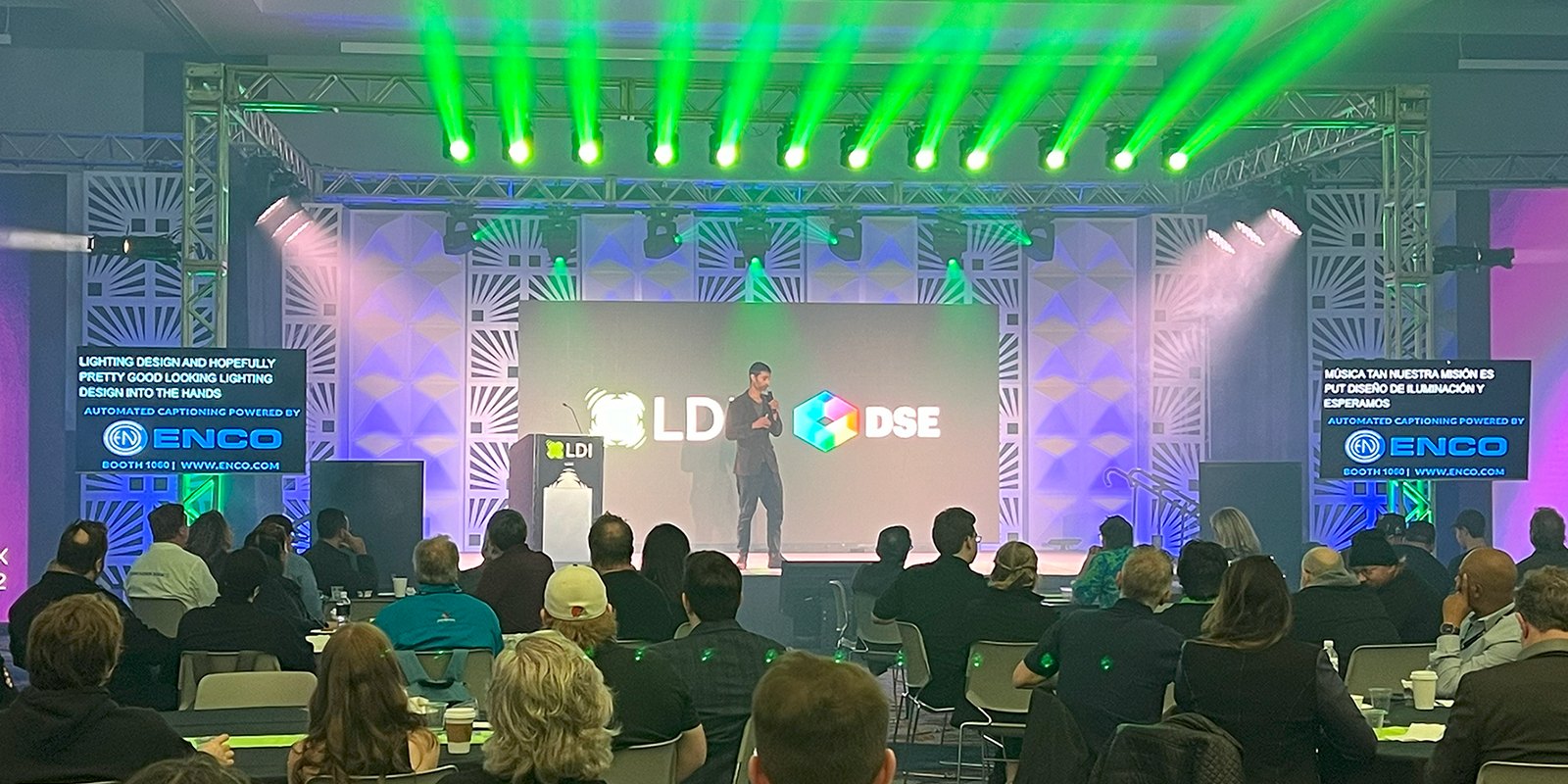
enCaption
Automated captions, live and from files.
enCaption listens to the program audio and writes captions as people speak. It also captions recorded files, and saves a transcript and caption files for the archive.
- Custom word libraries, rundown imports and regional dialects teach it the names of officials, streets and places, and it detects when the speaker changes.
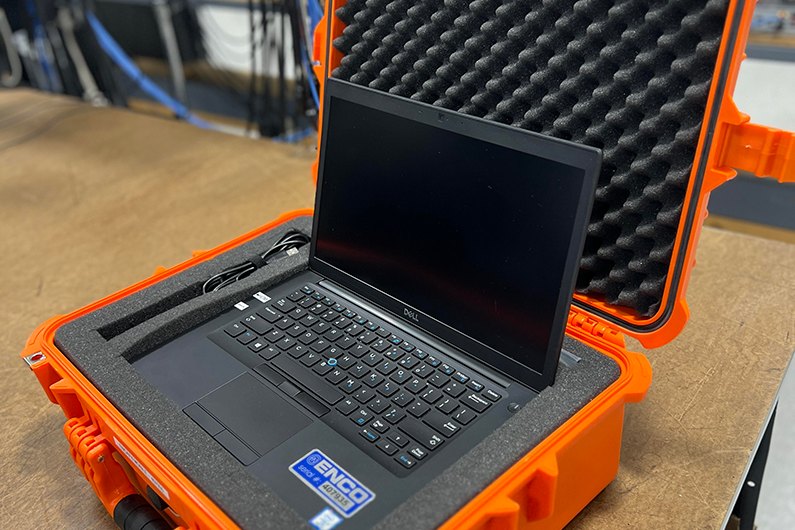
- It runs on-premises, in the cloud or hybrid, including on an all-in-one unit with an SDI caption encoder built in.
- It takes NDI video in, and can key the captions over its NDI output.
Where the captions go
- Cable or PEG channel
- A caption encoder inserts CEA-608/708 captions into the SDI program: an ENCO encoder, or one you already own.
- Web stream
- The captioned program feeds the streaming encoder, which carries the captions to the platform.
- NDI production
- Captions keyed over NDI video.
- Screens in the room
- Open captions on displays and IMAG, or full-screen captions in a browser.
- Phones in the room
- enTranslate Mobile: a QR code opens captions and translations on attendees' phones.
- The archive
- A transcript and caption files saved with each meeting, to correct before posting.
Your ADA coordinator or counsel decides what your agency has to caption. Our Government page summarizes the federal rule; we build the system that carries out the decision.
enTranslate
Translated captions, on screen and on phones.
For meetings and services where not everyone follows in English.
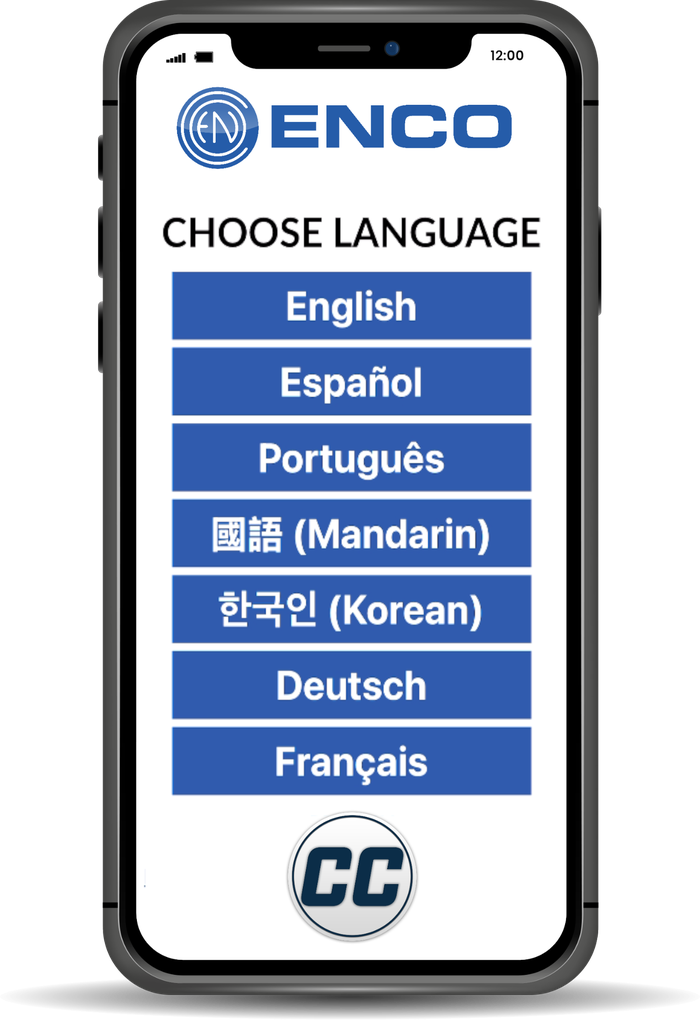
enTranslate
Translates live captions and recorded files, in both directions between languages. The translation can go out as caption files, embedded closed captions, or open captions keyed over the video.
enTranslate Mobile
Attendees scan a QR code or open a web address, choose a language and read the captions and translations on their own phone, with scrollback.
For councils, school boards, worship and conferences.
Caption encoders
Caption encoders for SDI channels.
EN848
SD, HD and 3G-SDI caption encoding with CEA-608, CEA-708 and Teletext, closed and open caption outputs, a loop-through bypass relay and caption-loss failover. Built to host enCaption on-premises, with audio from SDI or HDMI, NDI, analog, AES3 or AoIP.
For PEG channels and chambers that want captioning in one rack unit.
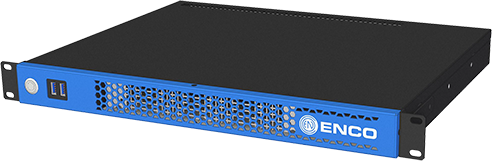
ENCO lists its encoders up to 3G-SDI. In a 12G-SDI plant we place the captioning at a 3G point, or confirm another path with ENCO before quoting.
Stage Captioning
Captioning for live events.
Stage Captioning puts captions on the screens at events, conferences and services.
Stage Captioning
Live captioning for events that runs entirely on-premises, with no cloud connection. Each unit captions one language. Captions go full-screen to an HDMI display through a browser, over IMAG as open captions, to browsers on the same network, or into SDI. Transcripts and caption files are saved locally, and custom libraries handle jargon and speaker names.
Captioning is an audio job first.
We plan the program feed, the caption path and the encoder together, then install the system, test it on your own meetings and train the staff who run it.
- Clean audio: a program mix from the audio console, and every speaking position on a live microphone.
- A word list with an owner: someone on your staff keeps the local names current.
- One path, checked end to end: the switcher, encoder, playout server and streaming platform each have to carry the captions.
- Training: operators learn enCaption, the word list, and correcting caption files before they are posted.
What to send for a captioning quote
- Where captions must appear: the cable channel, each web platform by name, room screens, phones and the archive.
- How many programs run live at once, and roughly how many hours a week.
- Languages: what is spoken in your meetings, and any translation you want.
- Deployment: whether everything must stay on-premises, and your IT security requirements.
- Your video plant: SDI rate, NDI use, the switcher, and the streaming encoder and protocol.
- What you already own: any caption encoder or playout server, by make and model.
- Where the program audio lives: embedded in SDI, AES, analog, Dante or NDI.
A recent meeting recording and your equipment list are enough to start.
Buying questions
Can it run without an internet connection?
Yes. enCaption on-premises runs inside your building with no internet connection, which keeps meeting audio in house. Cloud and hybrid versions are there if you want them.
How accurate are automated captions?
ENCO publishes no accuracy figure for enCaption. Results depend on clean audio and a current word list of local names, which is why we plan both with the system.
Can we keep the caption encoder we already have?
Often, yes. enCaption can send captions to an encoder you already own. We check its model and connections before we quote.
Send a meeting recording. We will plan the captions.
We come back with the caption path, the hardware or cloud service, and what it takes to run it.