
Council chambers and community media.
Chamber audio and video, meeting recording, streaming with captions, and PEG channel playout for New Jersey municipalities, designed, installed and supported by Varto, with controls set up so a typical meeting can be run by one person at the desk.
Three ways this work begins.
Not every problem needs a new chamber: microphones, displays, cabling and cameras often have life left, and an assessment shows which pieces are holding the room back.
Fix what people complain about
The recording is hard to follow, or residents cannot hear the meeting: usually microphone and processing work, sometimes one camera position.
- Room and system assessment
- Microphone and processing work
- Camera or stored-shot corrections
Add streaming, captions or a channel workflow
The town wants meetings online with captions, or the current playout and streaming path is failing or ending.
- Encoding, captioning and stream design
- Recording and archive handoff
- Playout for cable carriage
Build or rebuild the chamber
A renovation, a new municipal building, or a room that has reached the end of what patching can do.
- Design and equipment selection
- Coordination with the building trades
- Installation, commissioning and training
Chambers, channels and a truck: what we did in each.

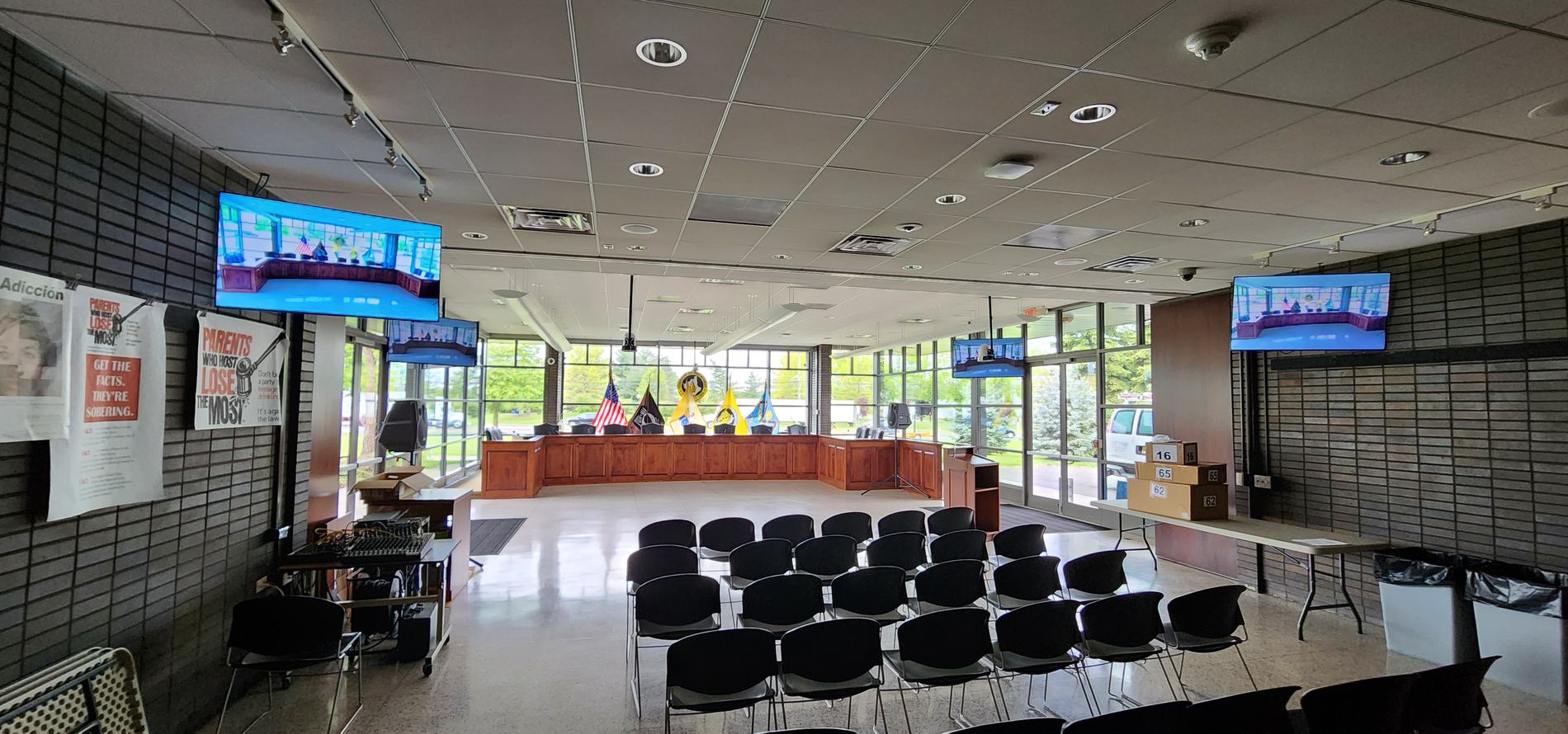
A council chamber, extended into the zoning and planning rooms.
Shure Microflex Wireless microphones, Panasonic AW-UE80 PTZ cameras into TriCaster 2 Elite switching, an Allen & Heath SQ-5 on Dante, and a Blustream matrix carrying the same capability room to room.
Varto designed, integrated and commissioned all three rooms, trained the township's staff, and still supports the systems.
Channel playout and chamber cameras.
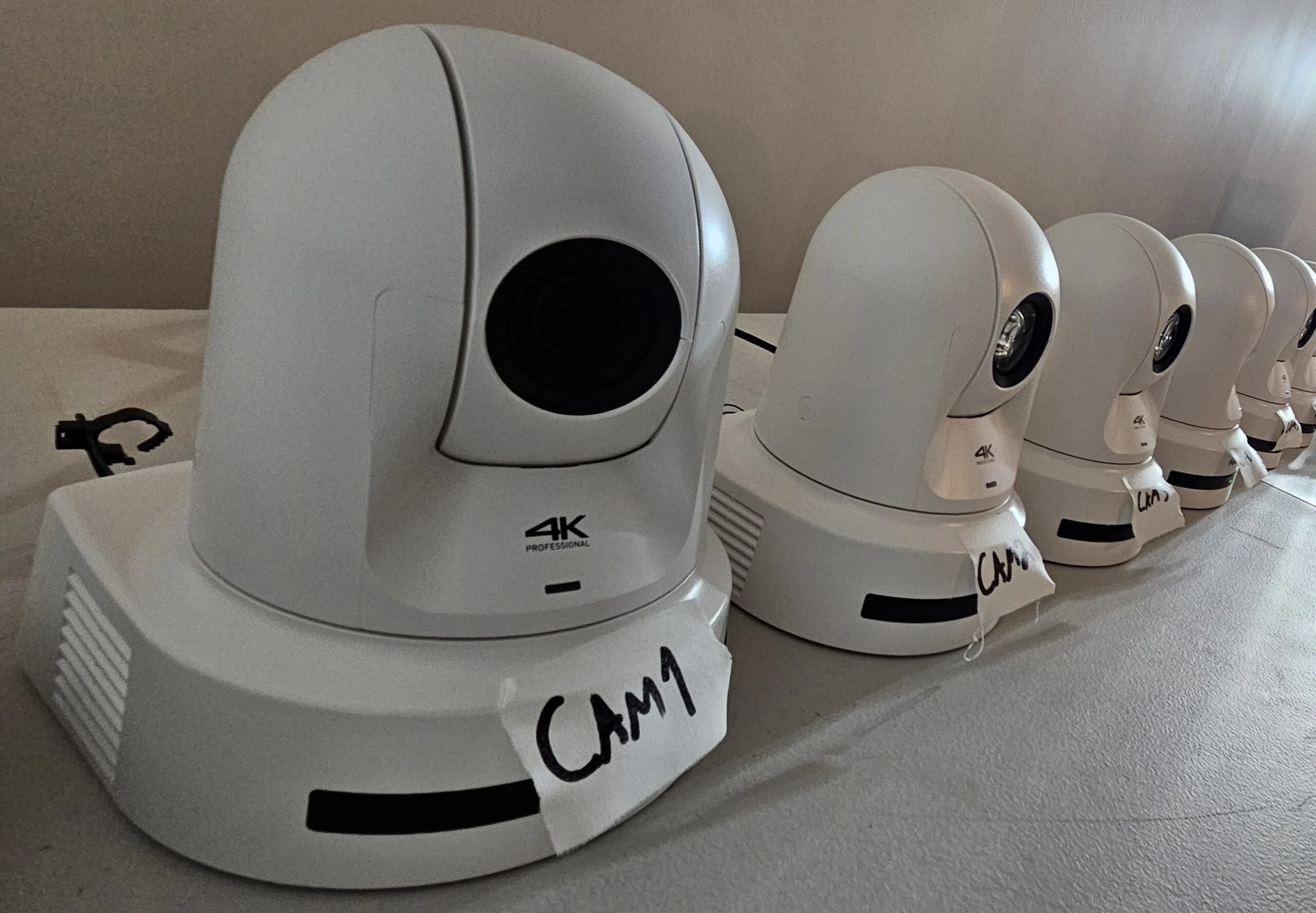
Varto installed Cablecast playout for the township's channel, and supplied and installed the chamber's Panasonic 4K PTZ cameras, labeled and configured at Varto before they went up.
A production truck upgraded, and a municipal TV operation supported.
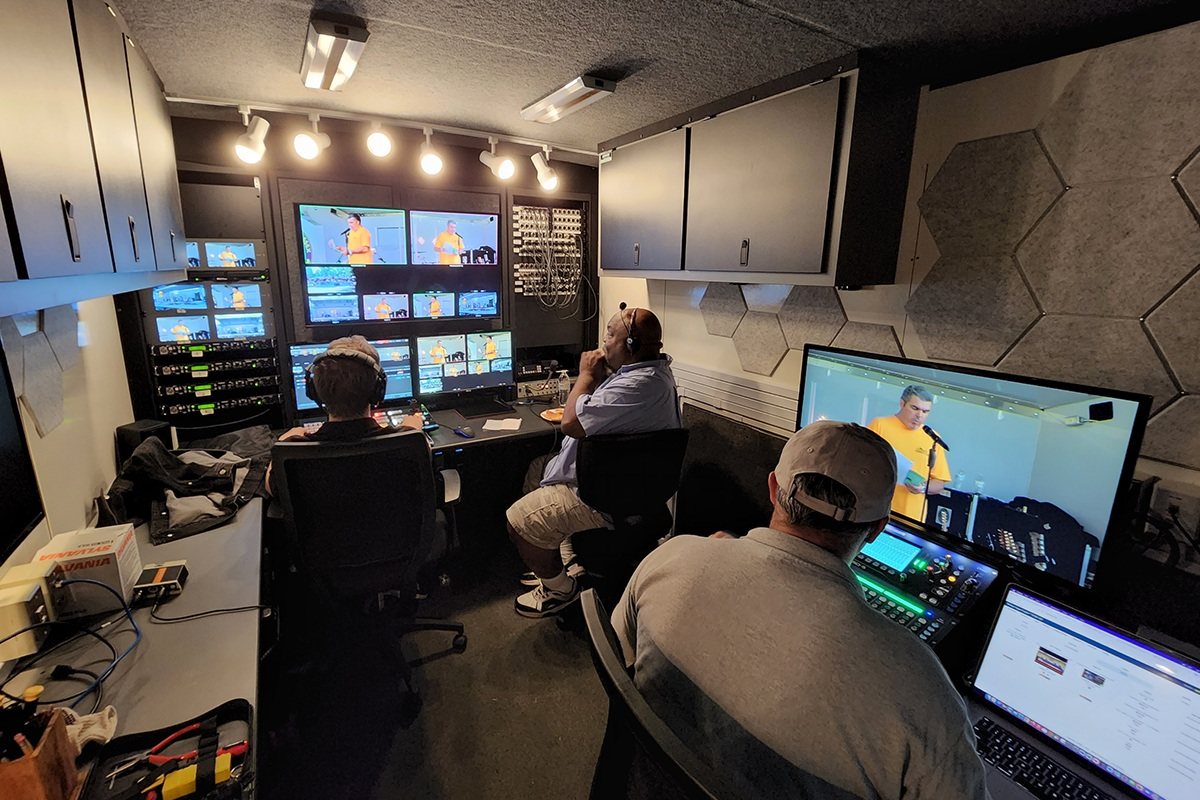
An existing production truck that Varto upgraded, integrated and commissioned: new SMPTE fiber, an ATEM Constellation switcher, camera control for four fiber camera chains and Clear-Com throughout.
Varto also supports Bloomfield's municipal television operation and trains the people who run it.
Microphones, audio, cameras, recording and playout.
Audio is the part residents complain about and the part that makes the record usable, so it comes first. Each piece can be bought on its own or as part of a complete room.
A council chamber, in signal order
- Dais and podium
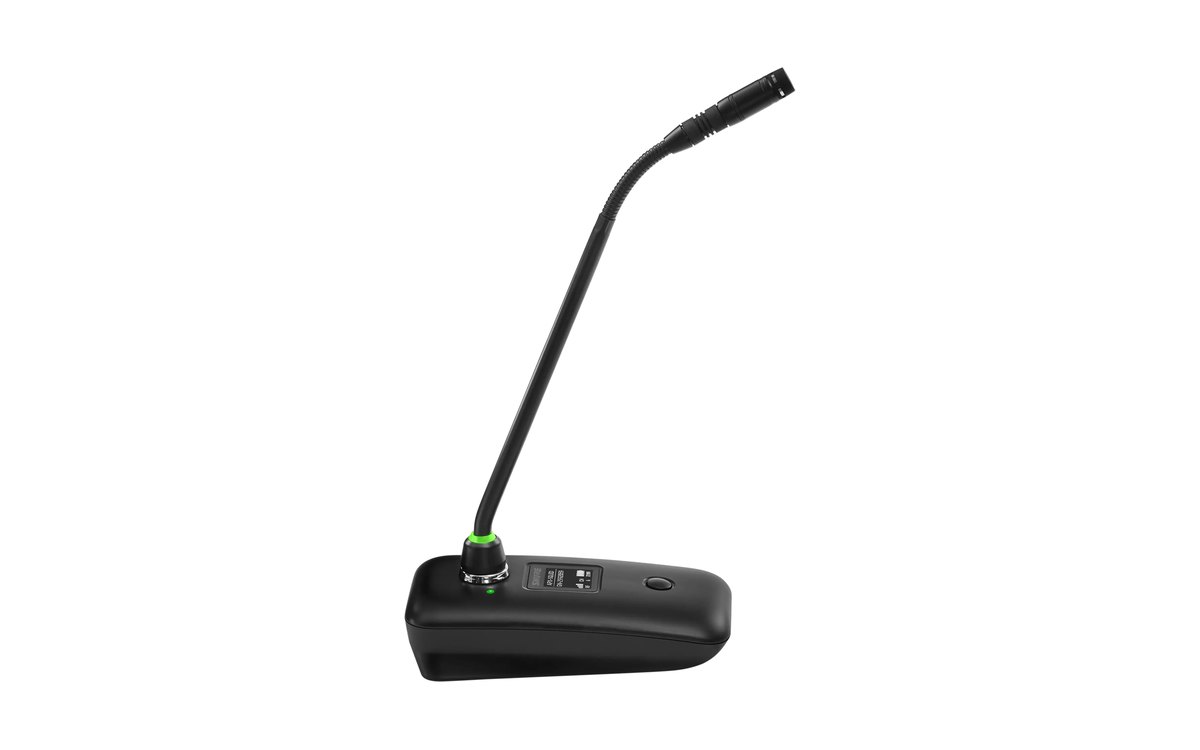 Shure Microflex Wireless neXtGooseneck, boundary and handheld microphones on an access point with Dante and built-in processing. For request-to-speak and voting, Shure's Microflex Complete Wireless discussion system.Shure
 Sennheiser SpeechLine Digital WirelessTablestand, boundary and handheld microphones on the license-free DECT band, into a receiver with a built-in automixer and Dante.Sennheiser
 - Processing and mix
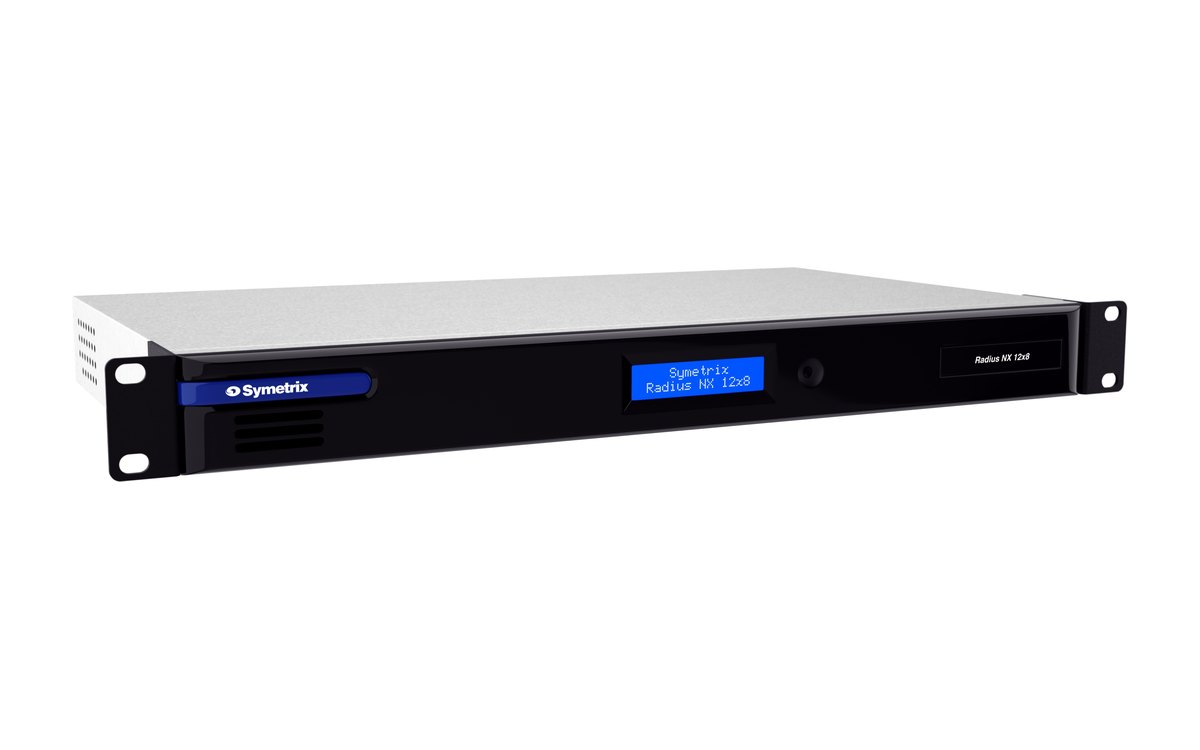 Symetrix Radius NXFor a room with no audio operator: an automixer, levels set at commissioning, and Dante and an echo cancellation coprocessor as options.Symetrix
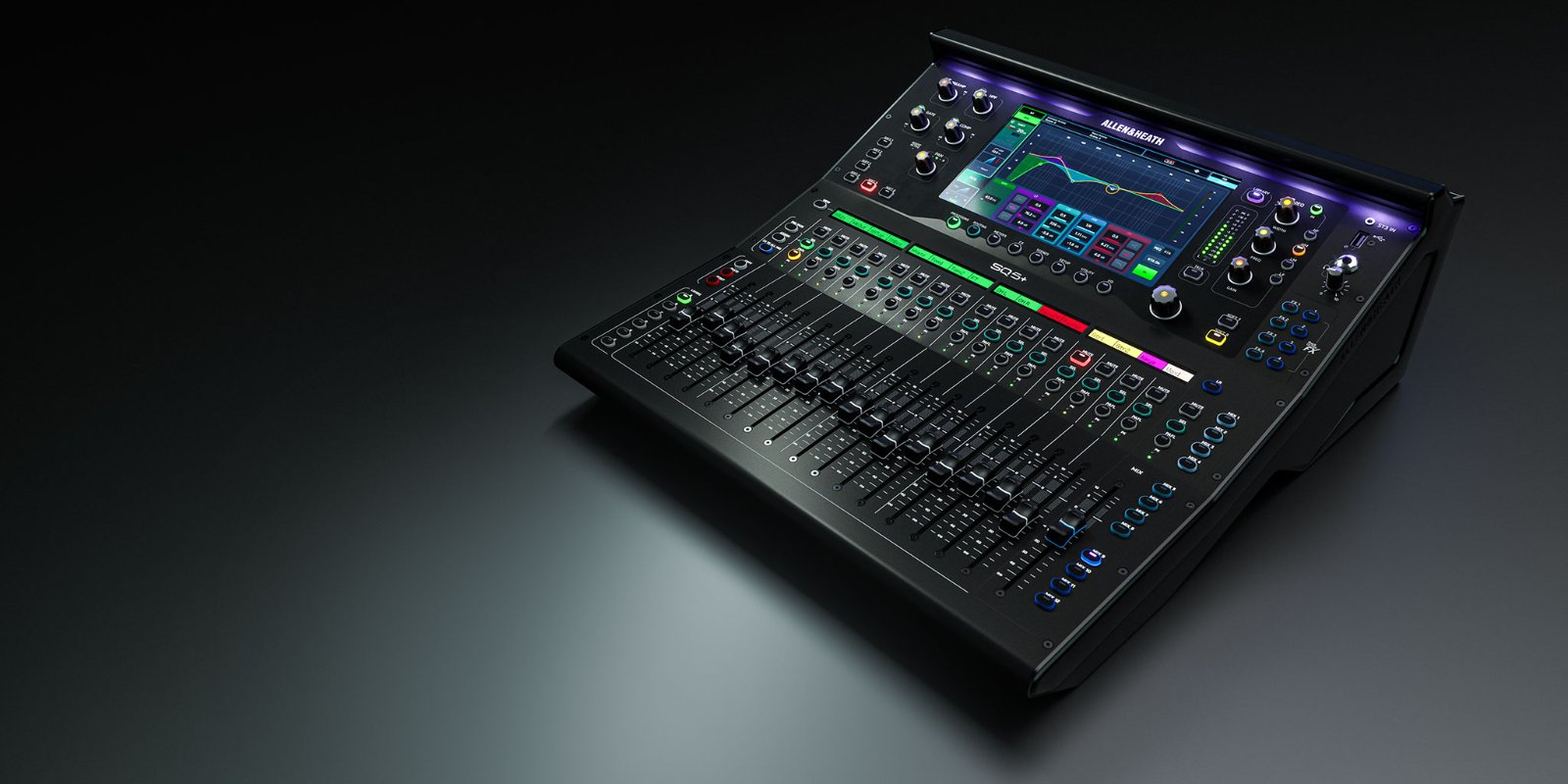 Allen & Heath SQFor a chamber where someone mixes, with an automixer for the dais and a Dante option card. It does not provide echo cancellation.Allen & Heath
 - Remote participantsThe Radius NX echo cancellation coprocessor, or a Shure IntelliMix P300 beside an SQEcho cancellation keeps remote participants from hearing themselves.
- Cameras
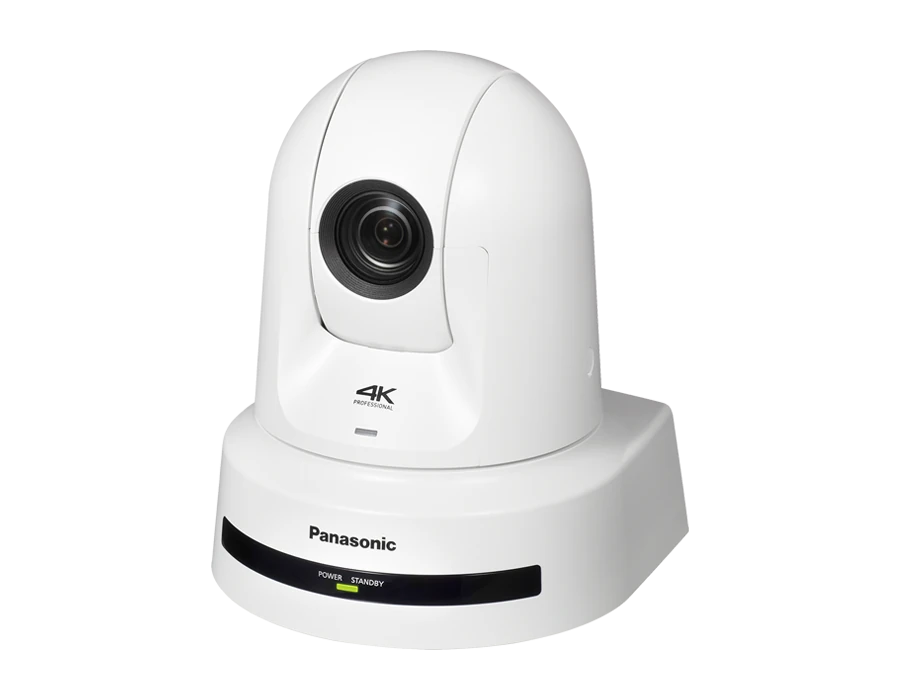 Panasonic AW-UE80 cameras with an AW-RP150 controller4K, a 24x zoom and quiet drives; dais, podium and gallery shots recalled from the controller as the agenda moves.Panasonic
 - Presentations
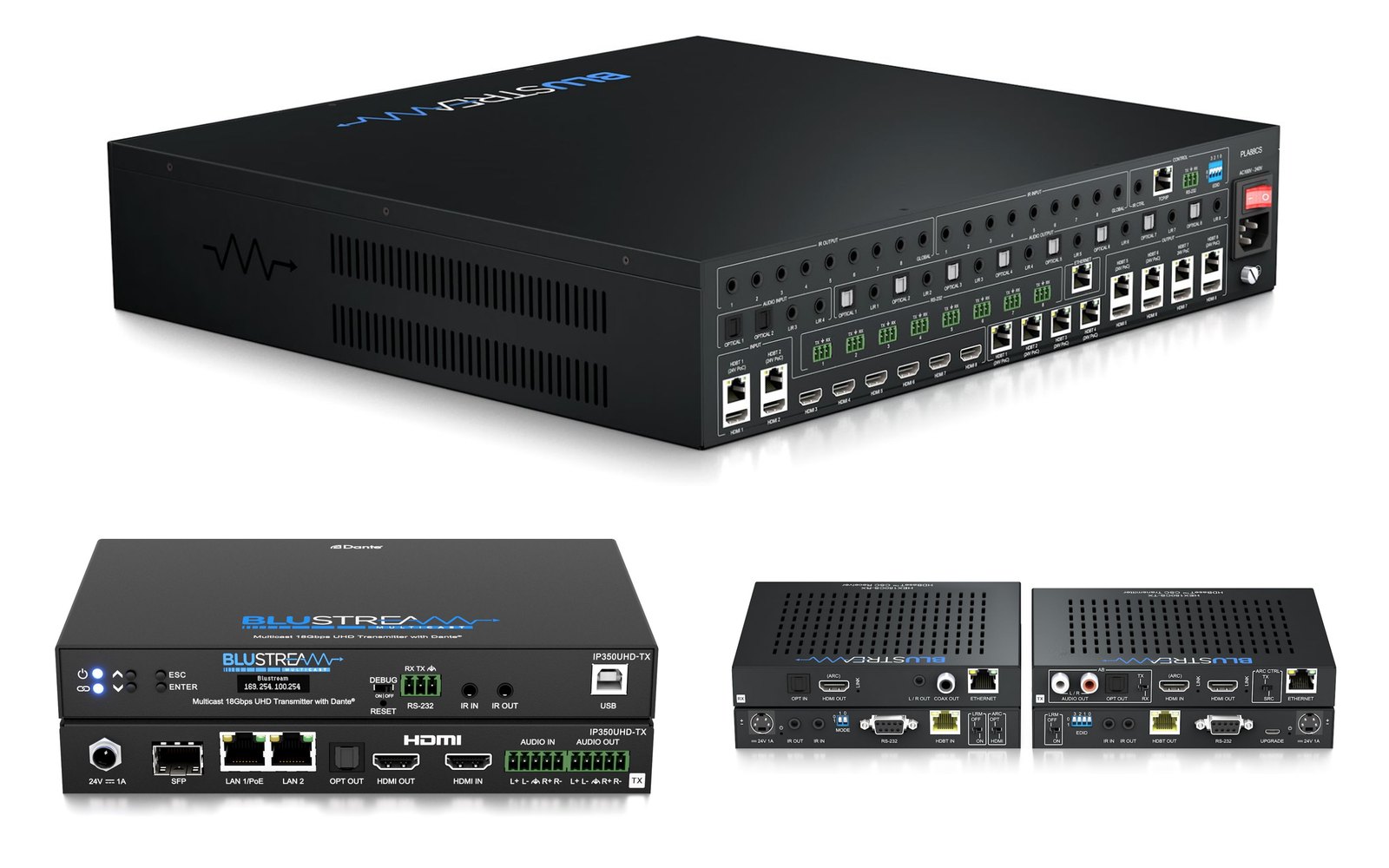 A Blustream matrix, or AV over IP across roomsHDBaseT when the sources and displays are known, AV over IP when the system spans rooms; the platform is chosen first, because Blustream platforms do not mix.Blustream
 - Switching and graphics
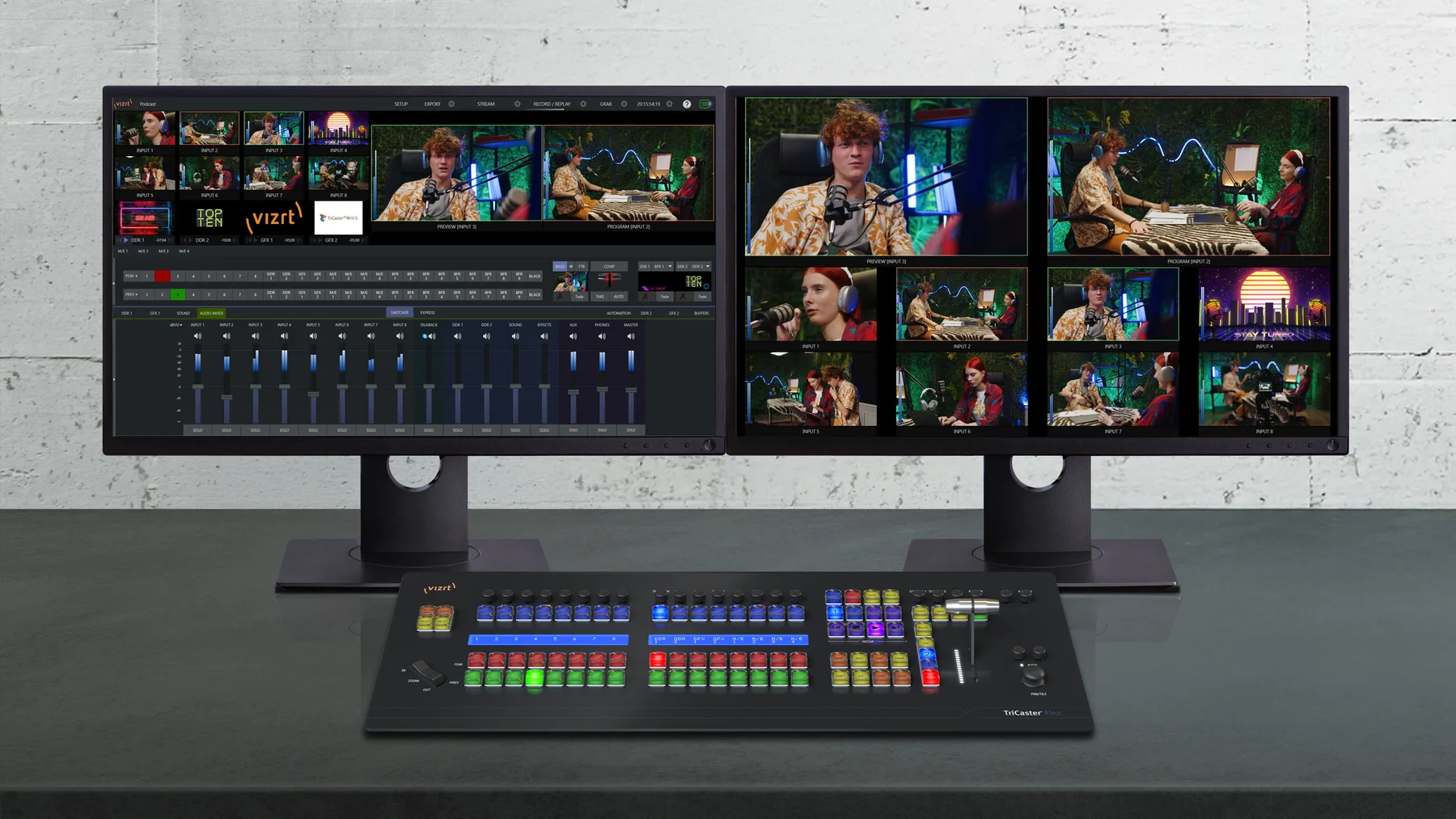 Vizrt TriCaster Mini X or PrizmMini X takes eight inputs from HDMI and NDI sources for a single room; Prizm takes sixteen inputs over IP, with 8 SDI inputs when ordered with the chassis.TriCaster
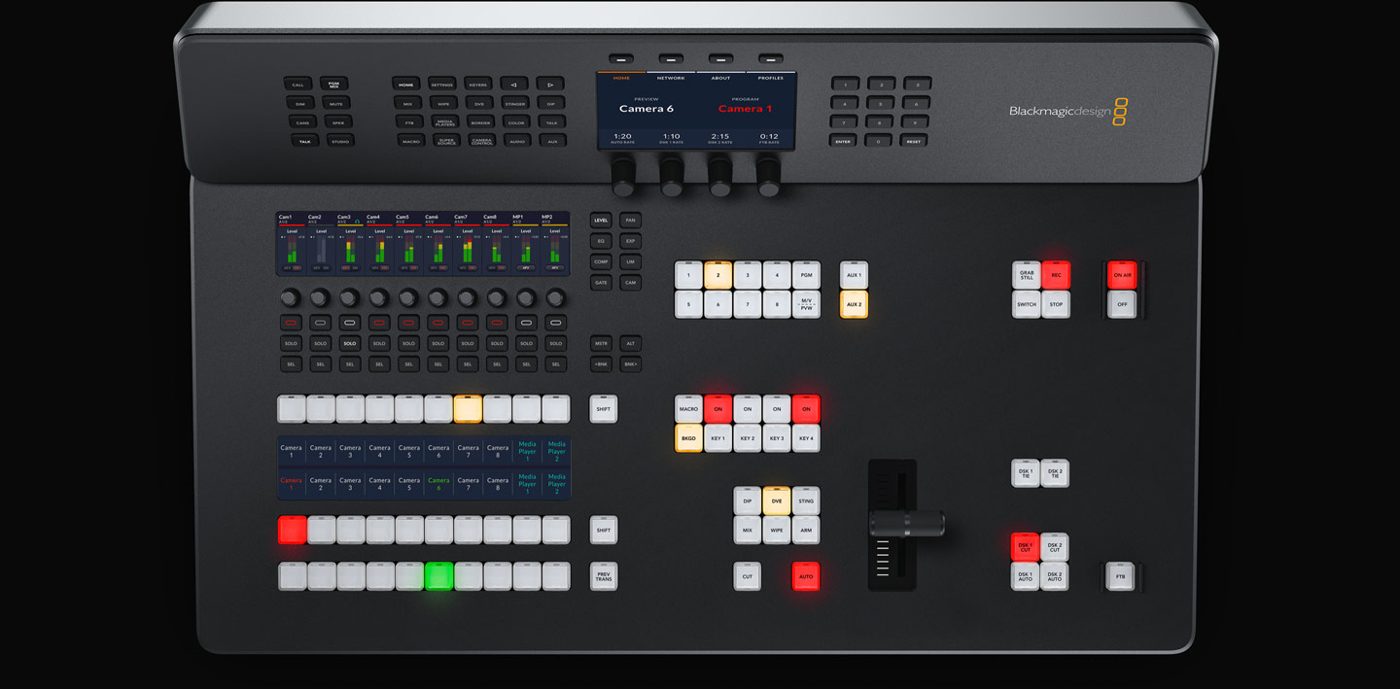 Blackmagic ATEM Mini Pro ISO or Television Studio HD8 ISOThe Mini Pro ISO switches four HDMI sources; the HD8 ISO switches eight SDI sources behind a built-in panel. Both stream and record, with every input also recorded as its own file.Blackmagic Design
Either puts names and agenda items on screen as lower thirds.
- Record, stream and captions
 Recording in the switcher, a HyperDeck as the redundant record, and a captioning pathThe stream goes to your platform with captions, and the archive keeps its caption file.Captions
 - Channel
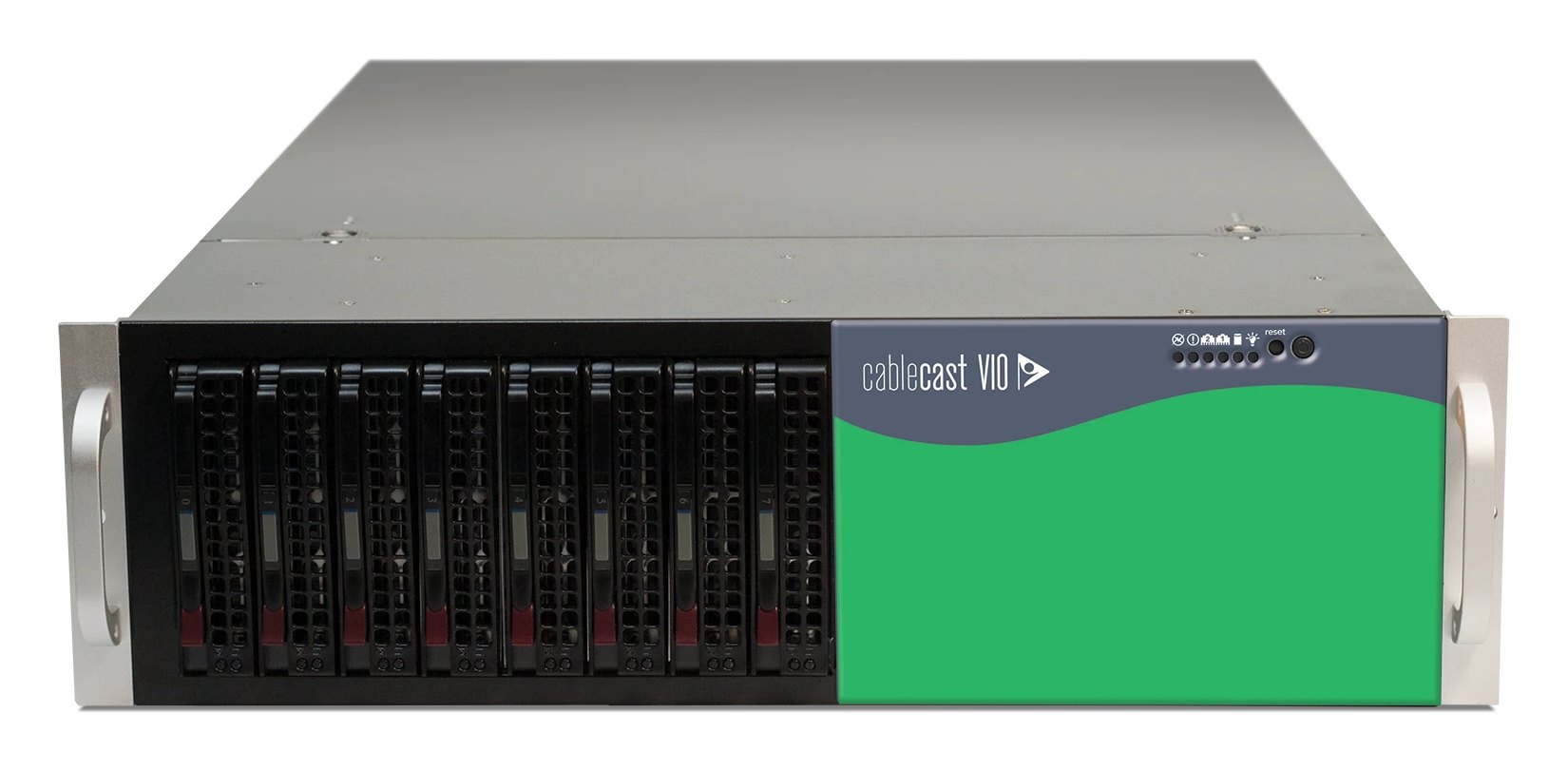 Cablecast VIOFor towns with a cable channel: scheduled playout and a bulletin board between meetings, web and app delivery on the OMNI models, and captioning as a service.Cablecast
 - Rack and power
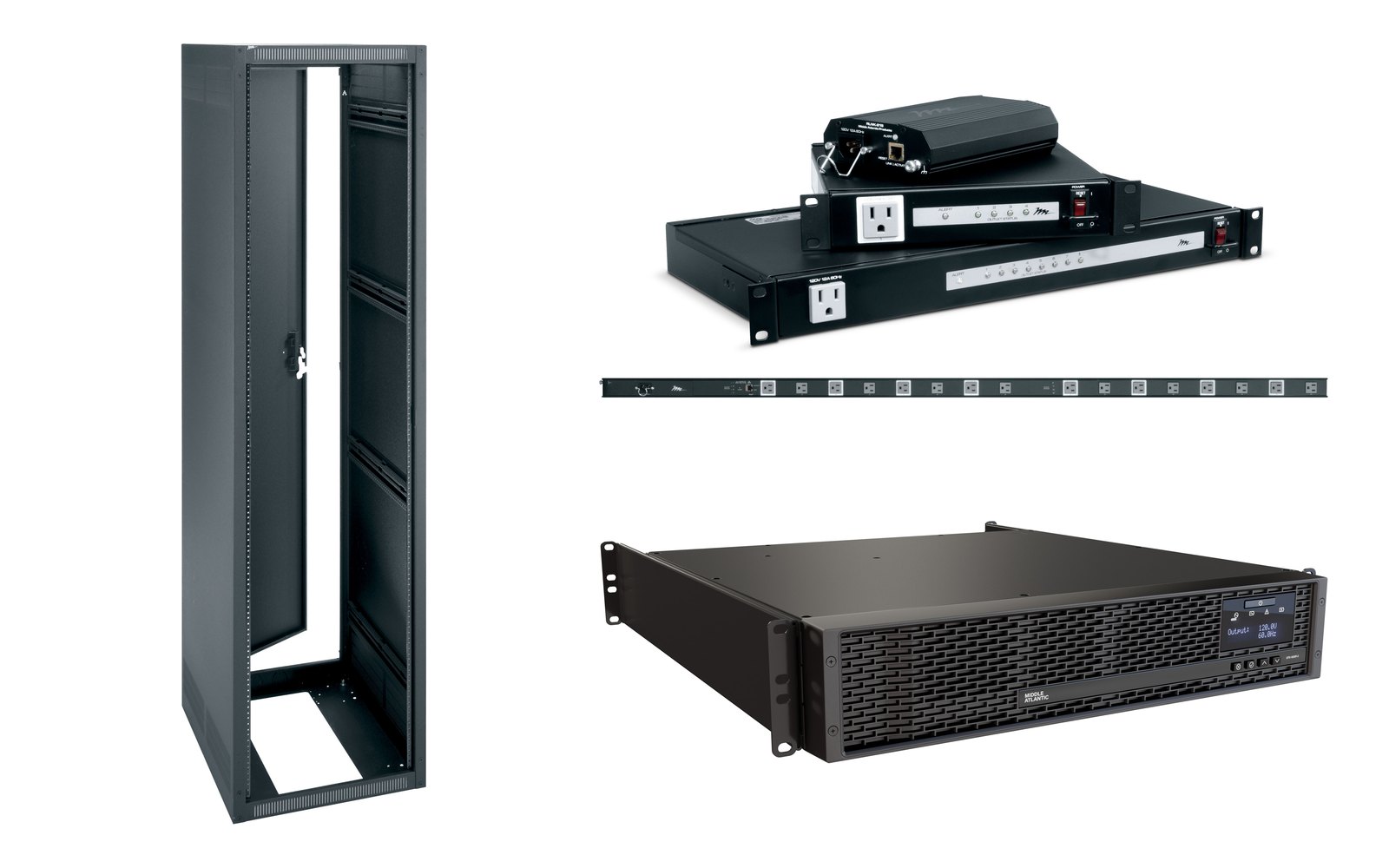 A Middle Atlantic rack, sequenced power and a NEXSYS UPSThe Online UPS models switch to battery with zero transfer time, so the recorder, the encoder and the network ride through a short interruption.Middle Atlantic
Also quoted with the room: cable and labeled tie lines, the network worked out with your IT staff, and the configuration, commissioning, documentation and training.
Committee rooms and rooms without a crew
Public safety and emergency management
LiveU's LU-REQON1 brings plug-and-play bonded video to public safety and emergency management agencies. Availability is confirmed per agency. Varto is a LiveU Authorized Partner.
LiveU systemsA live production with no rehearsal and no second take.
The design starts from the person at the desk, often the clerk or a part-time hire: fewer decisions during the meeting, and the settings that must not change kept out of reach.
- Before
The room wakes up
The room: displays, audio, cameras, recorder and encoder come up in a known state.
At the desk: the start control, or a one-page card, and a check that every camera and microphone is live.
- Call to order
The record starts
The room: recording, stream and captions start together.
At the desk: confirm the captions are arriving, then watch the indicators.
- Presentations
A presenter plugs in
The room: the laptop reaches the displays and the stream, scaled correctly.
At the desk: select the source.
- Public comment
The hardest audio in the building
The room: an automixer, where the design has one, turns down unused microphones; it does not even out a soft speaker and a loud one.
At the desk: recall the podium shot and ride the podium microphone.
- Executive session
Feeds stop, cameras park
The room: stream and recording stop and the dais microphones close, following the town's procedure.
At the desk: the configured control, then confirm what has stopped.
- After
The file can be found
The room: the recording and its caption file land where the clerk expects them.
At the desk: confirm the file saved.
Shots for the dais, podium and gallery are stored at commissioning, a redundant record keeps the meeting if the primary recorder fails, and a one-page card covers what to do when a camera drops or the stream fails. A long hearing with many presenters is easier with a second person.
Captions on the live stream and on the record.
Under the Justice Department's ADA Title II rule, web content and mobile apps from state and local governments must meet WCAG 2.1 Level AA, which includes captions for live and prerecorded video. Governments serving 50,000 or more people must comply by April 26, 2027; smaller governments and special districts by April 26, 2028. Your ADA coordinator or counsel decides how the rule applies to your meetings, and we build the captioning path that carries out that decision.
Where the captions come from
A human captioner working remotely, or an automated captioning service or appliance. Automated captions need a vocabulary of local names and places.
How they reach viewers
Embedded in the program signal, so they travel with the stream and the cable channel, or sent to the streaming platform as a separate track. The switcher or encoder, the platform and the playout server each have to carry them; we check each one before we quote.
What stays on the record
The archived meeting keeps its captions, and the caption file can be corrected for names and timing before it is posted. On Cablecast, Closed Captioning works live or from files, with custom vocabularies and an editor.
Cablecast captioning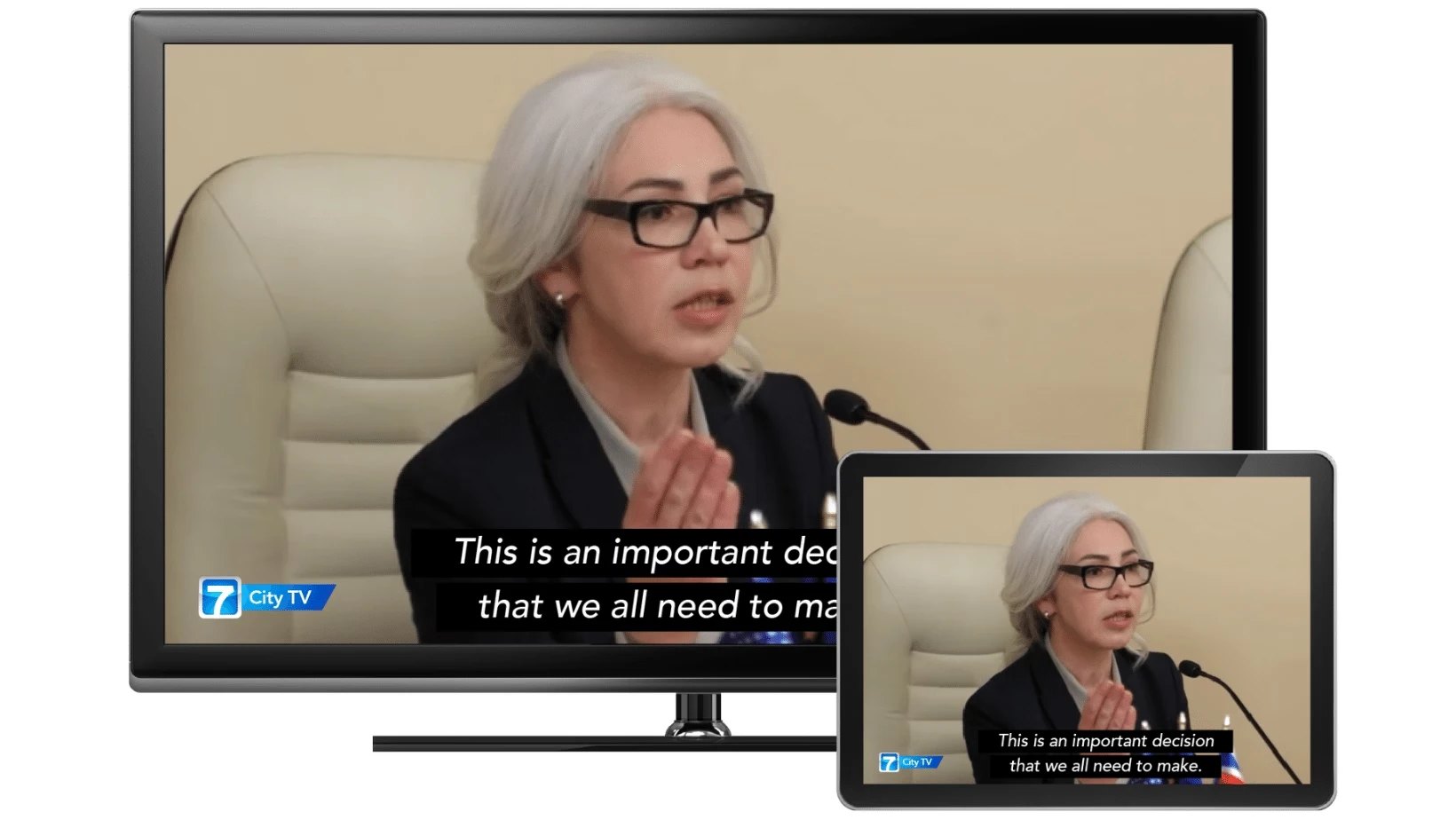
Support, training and rentals after the install.
Equipment and quotes
Varto sells the equipment it installs, and quotes equipment on its own when that is all a town needs.
Support
Support around the meeting calendar: per-incident help when something fails before a session, a Varto OnAir plan for the chamber and channel, or Professional Services Blocks for staff training and changes. Coverage is confirmed for your equipment.
Training and repair
Training for the staff who run the room, on your system or ours. Eligible Vizrt hardware, TriCaster included, is repaired on Varto's own bench, a Vizrt Authorized Repair Center.
A special hearing
If a hearing needs more coverage than the room has, we can rent you the difference for the event, subject to fleet availability.
Send us a link to your worst meeting.
Put the link to a posted recording in your message. We will listen to it and suggest what is worth fixing first.