

Dante AVIO adapters: analog, AES3, USB and Bluetooth onto Dante.
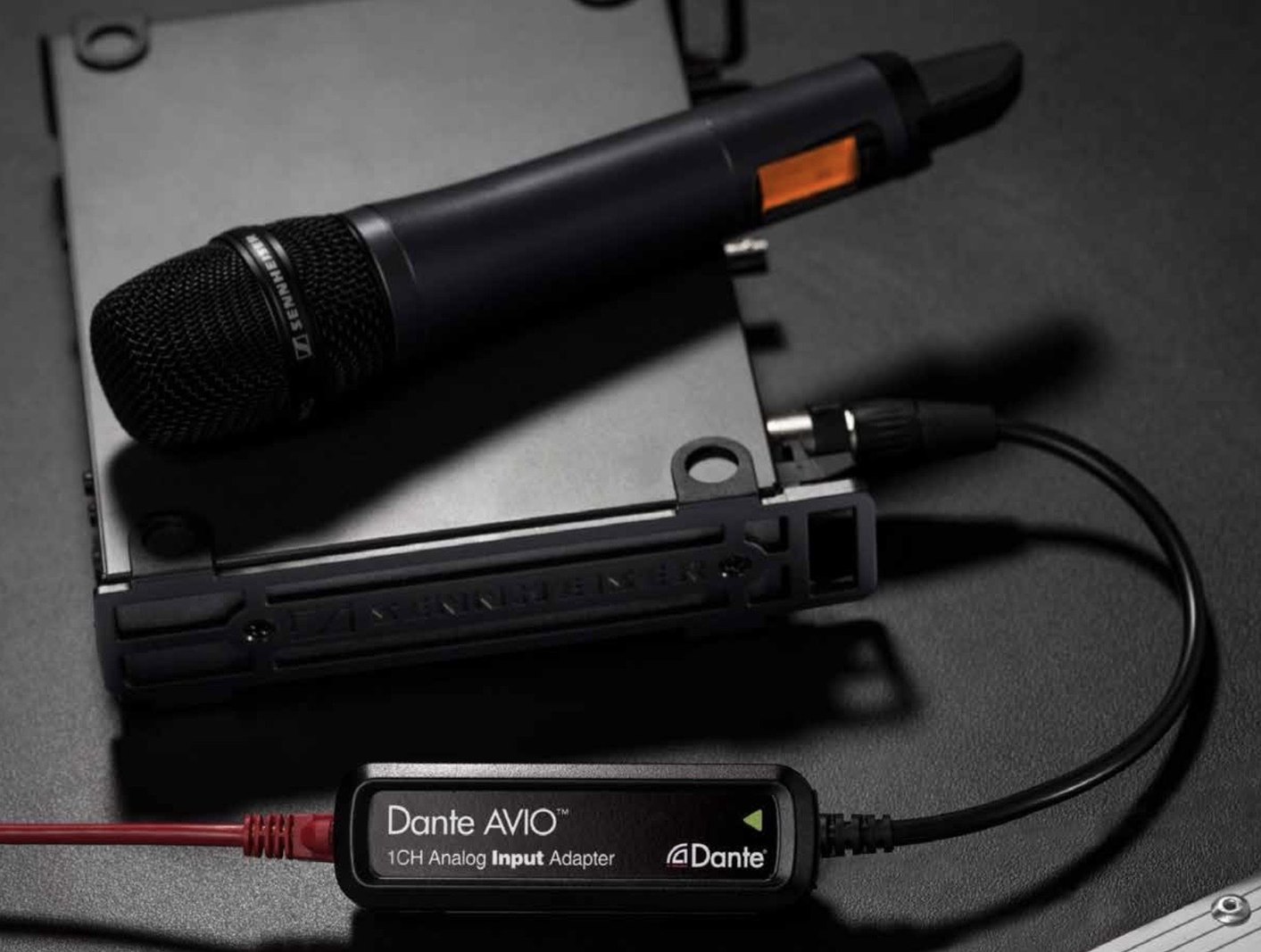
Audinate’s AVIO adapters put equipment that has no Dante port on a Dante network: a wireless receiver, a laptop, a phone, an amplifier or an AES3 device. One Ethernet cable carries the audio and powers the adapter. Live models travel in a kit; Install models are wired into the room. Varto quotes them on their own or plans them into a Dante system.
Prefer to talk? (888) 656-6233
// live adapters
Live adapters for kits and temporary setups.
Each Live adapter takes its power from the network switch (PoE), so there is no power supply to carry. The analog, AES3 and USB models have the device cable built in.
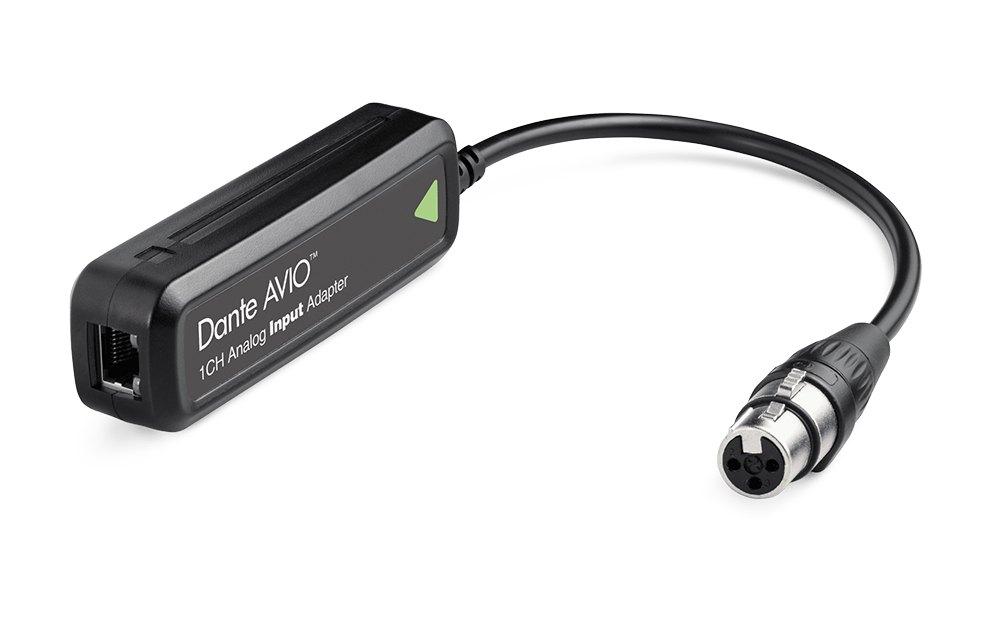
1 or 2 channels · XLR female
Analog input
Brings a line-level source into Dante: a wireless receiver, a mixer or a playback device. There is no mic preamp or phantom power, so a microphone goes through a mixer, preamp or wireless receiver first.
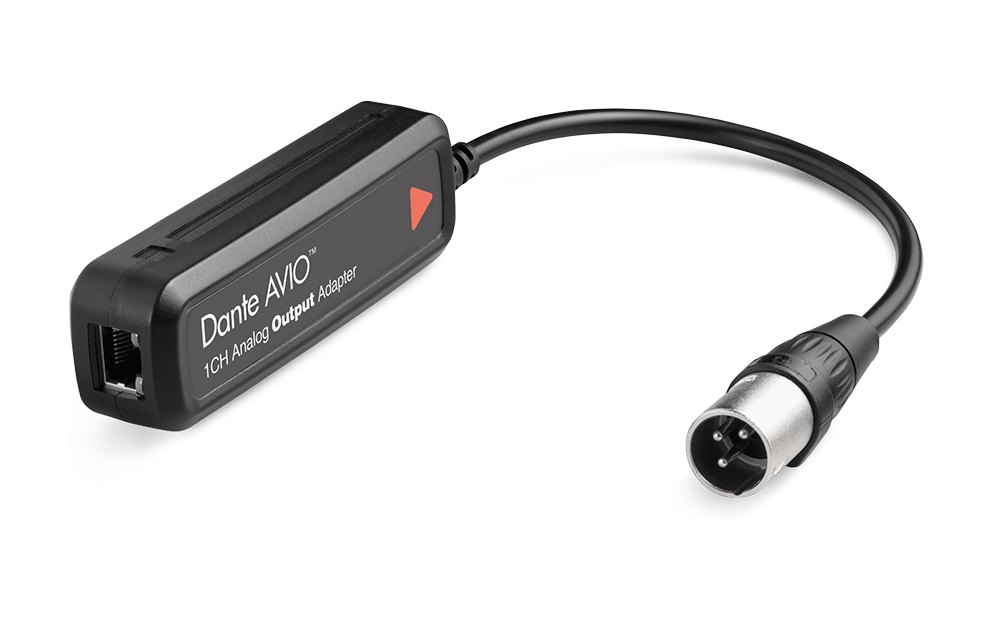
1 or 2 channels · XLR male
Analog output
Feeds an amplifier, a powered speaker or a recorder from the Dante network at line level.
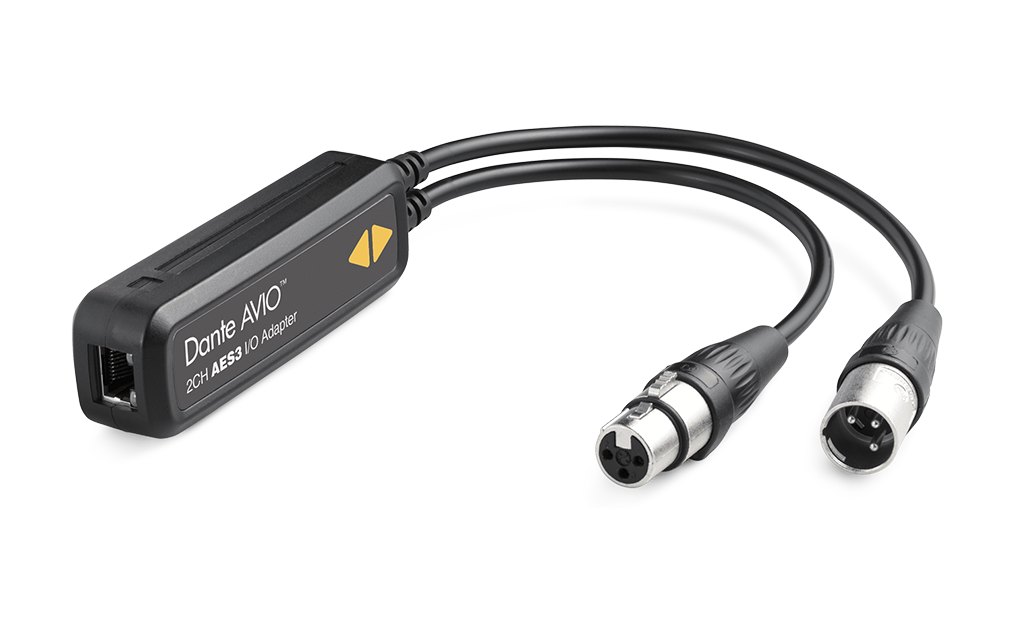
2 in, 2 out · XLR
AES3
Two channels each way between AES3 digital audio equipment and Dante, with sample rate conversion built in.
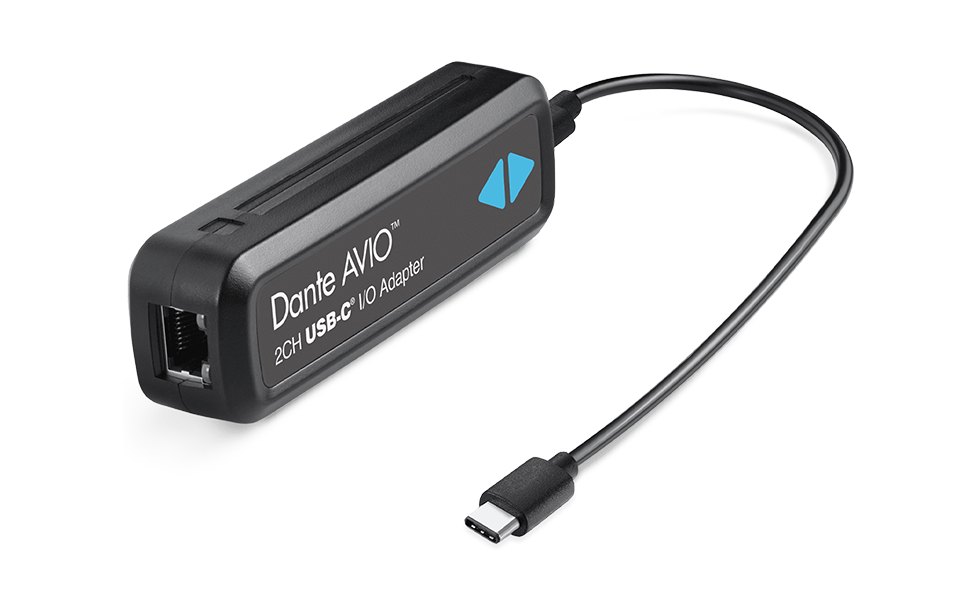
2 in, 2 out · USB-A or USB-C
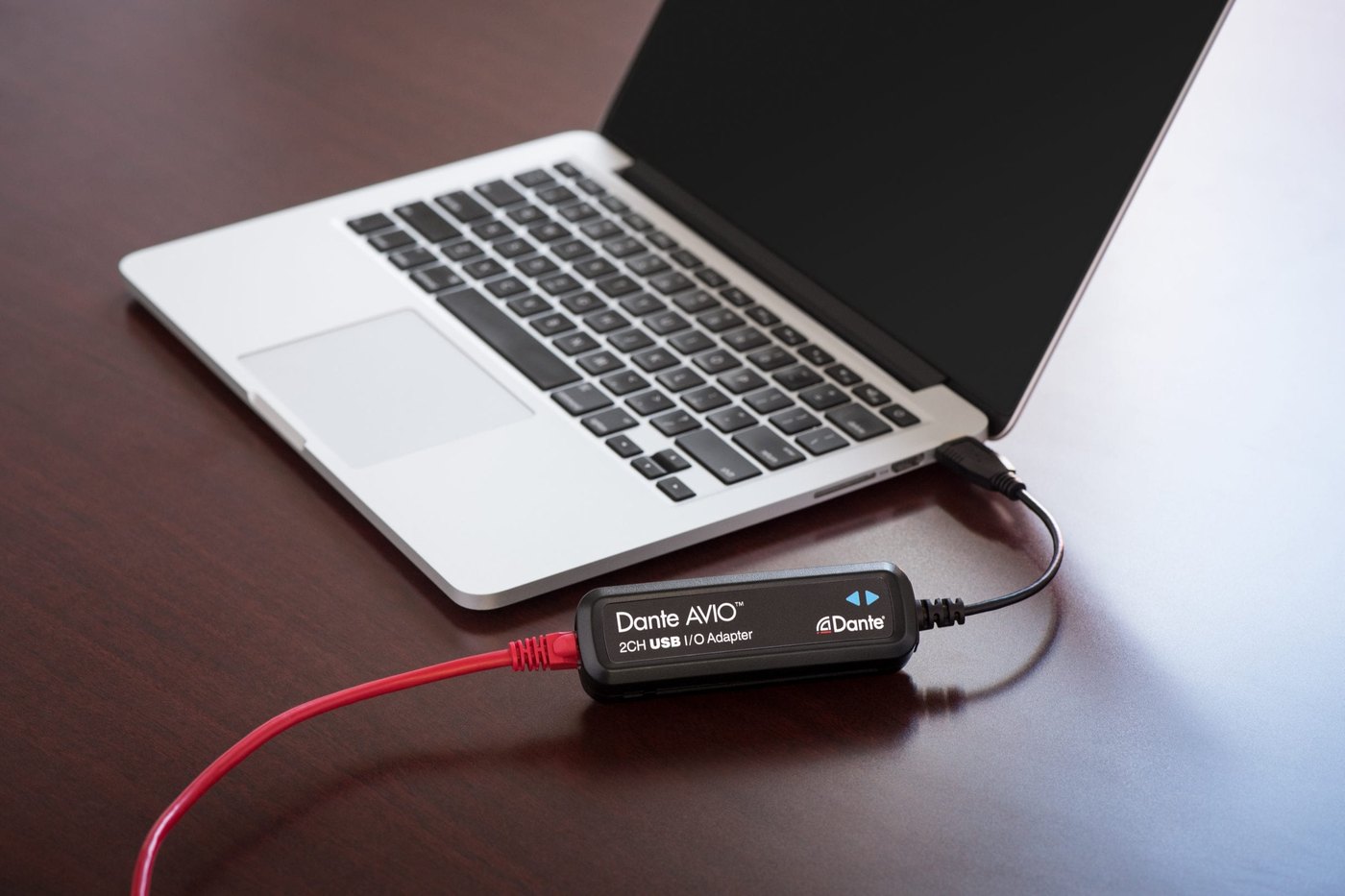
USB
Puts a computer on Dante as a class-compliant USB audio device, with no driver to install. It can run on USB power as well as PoE.
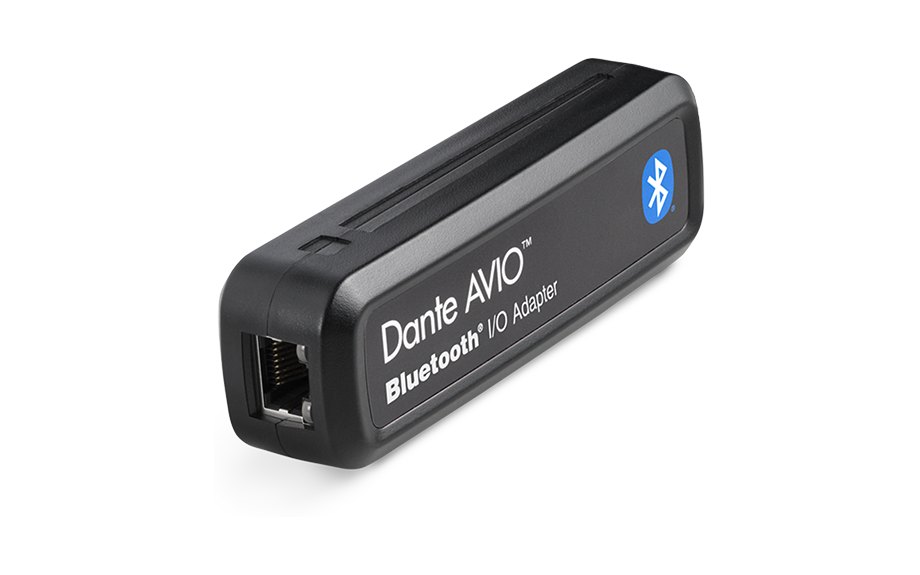
2 in, 1 out · Bluetooth 5.0
Bluetooth
Two channels from a phone, tablet or laptop into Dante and one back, over Bluetooth.
// install adapters
Install adapters for rooms that stay wired.
Euroblock screw terminals take permanent wiring, and the included bracket mounts to a surface, rack rail or post. All five Install models are analog, at line level.
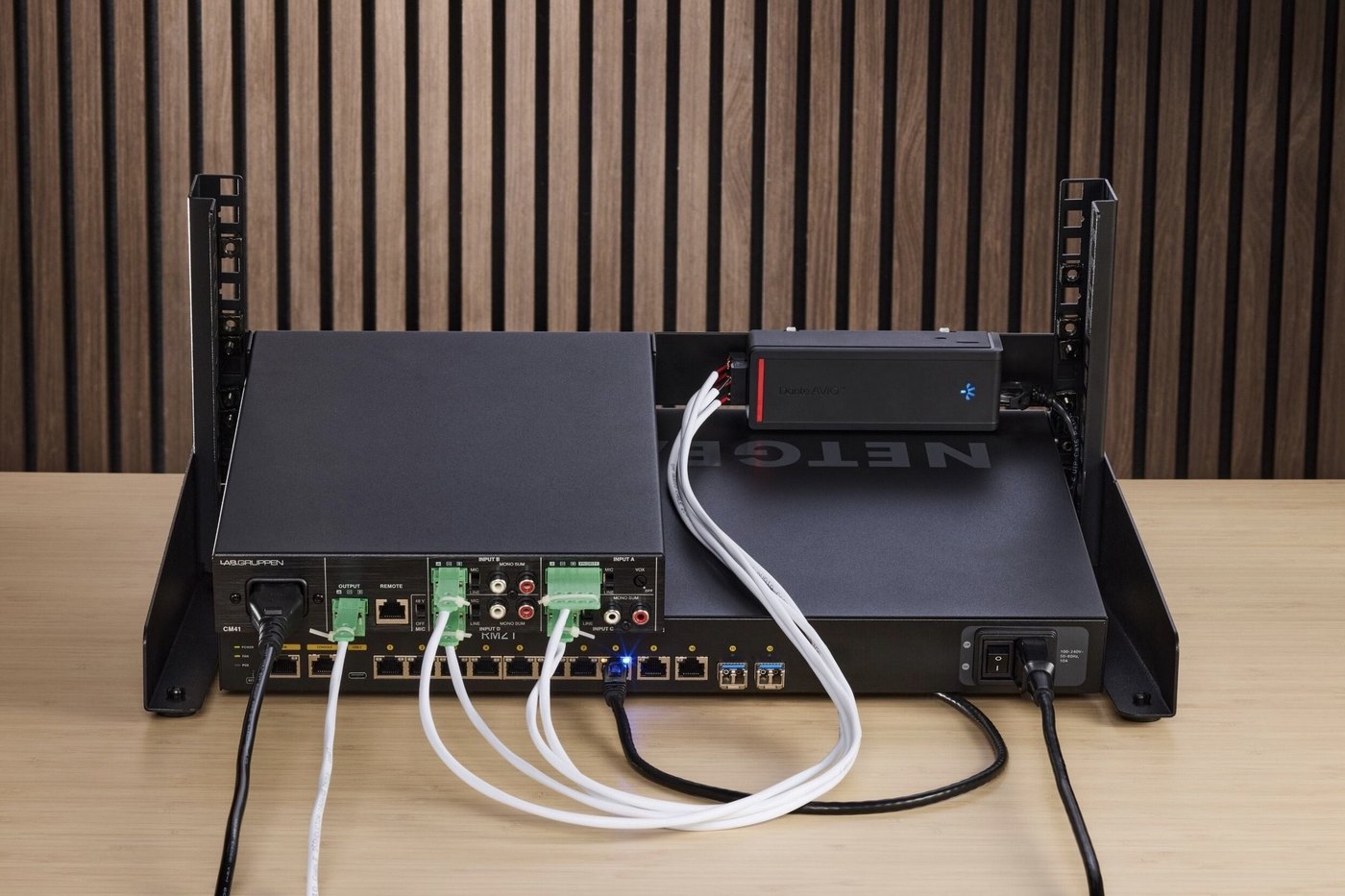
The four-channel and two-in, two-out models have a second network port, so up to four adapters share one switch port and take their power down the chain. The two-channel models sit at the end of a chain.
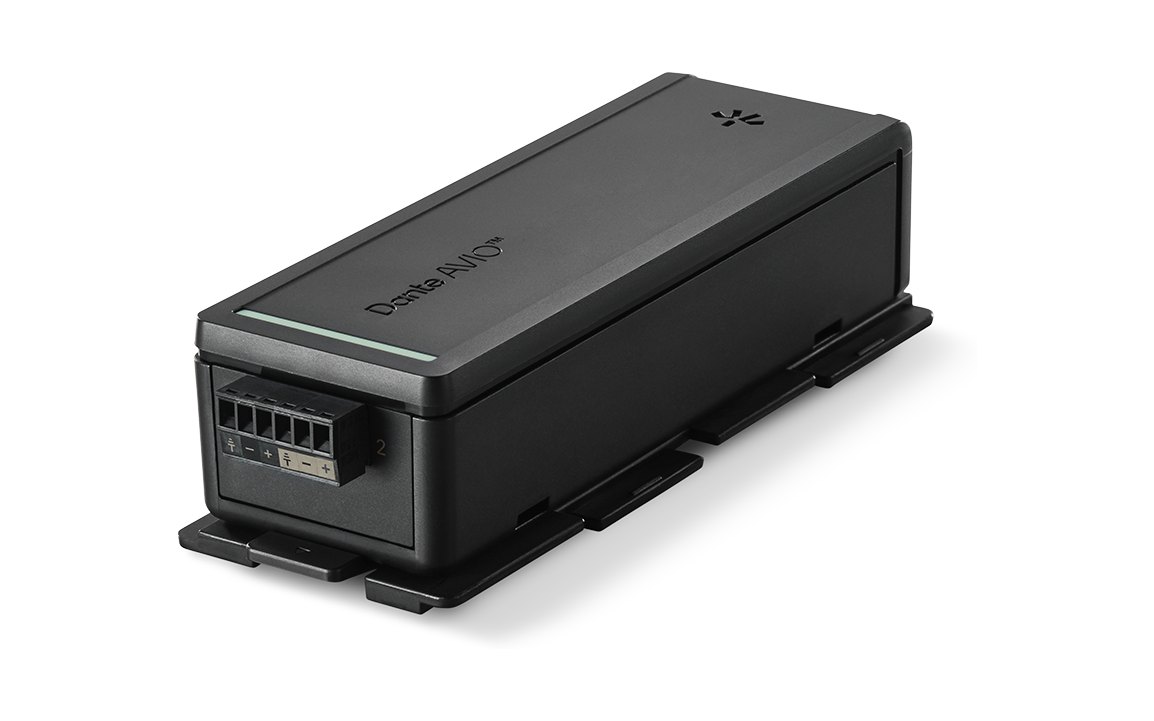
AVIO-A-2IN-EB · AVIO-A-2OUT-EB
Two channels in or out
One Euroblock for a stereo source or a pair of amplifier inputs.
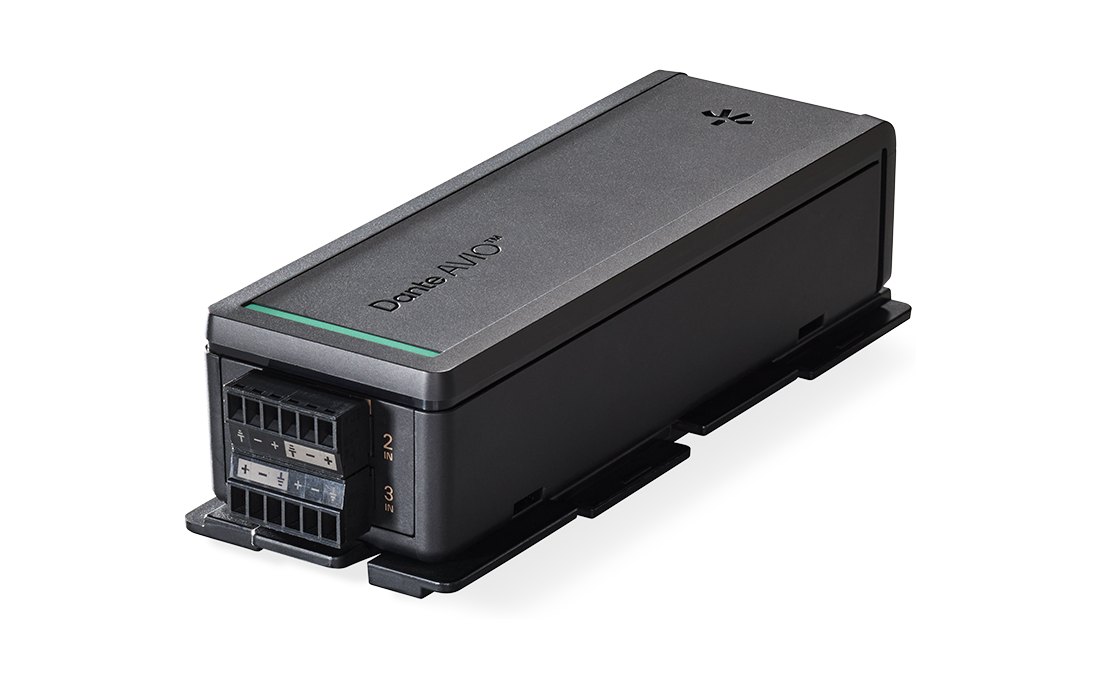
AVIO-A-4IN-EB · AVIO-A-4OUT-EB
Four channels in or out
Two Euroblocks and two network ports, for four line-level sources or four amplifier inputs at 44.1 or 48 kHz; at 88.2 or 96 kHz they carry two channels.
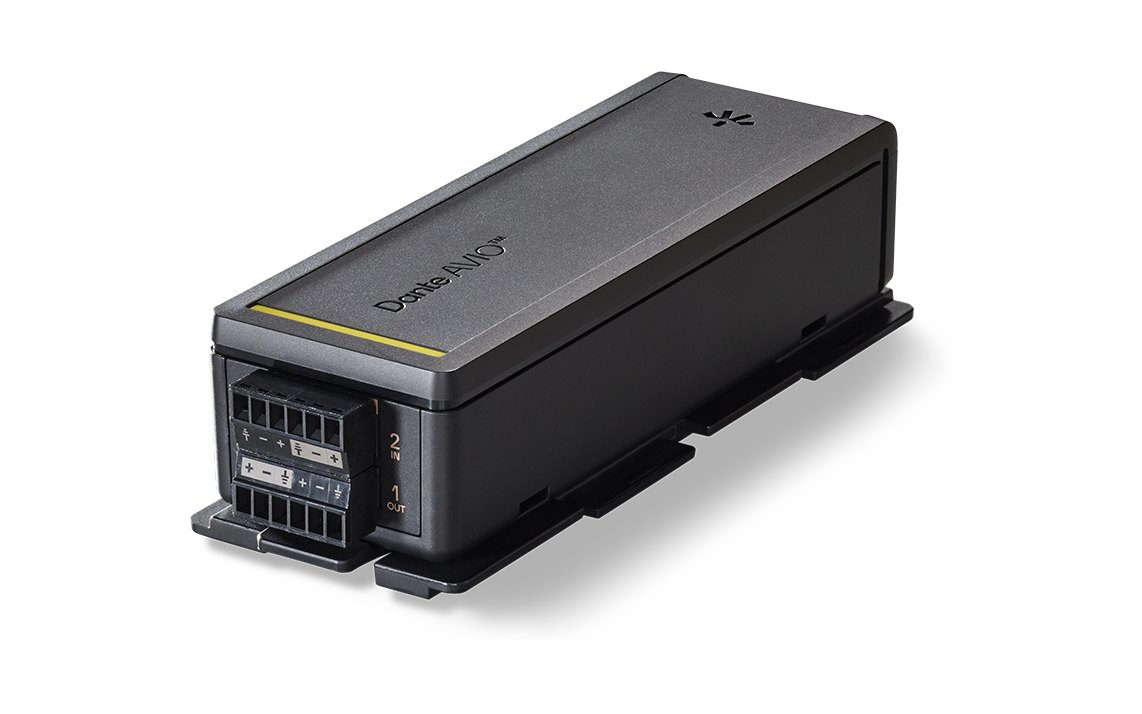
AVIO-A-2IN2OUT-EB
Two in, two out
Inputs and outputs in one adapter, for a position that both sends and receives line-level audio, such as a playback desk.
// compare
Live or Install?
portable
Live
ConnectsXLR, AES3, USB-A, USB-C or Bluetooth
MountingNot needed
PowerPoE; the USB models can also run on USB power
FormatsAnalog, AES3, USB audio and Bluetooth; AES67 supported
fixed
Install
ConnectsEuroblock screw terminals
MountingBracket for a surface, rack rail or post; units snap together
PowerPoE from a switch or 802.3af injector; the chaining models put up to four on one switch port
FormatsAnalog, line level
Both kinds are set up in Dante Controller, Audinate’s free software. Larger installations can add Dante Domain Manager, or Dante Director for Install models; both are optional and sold separately.
// setup
Set up with the rest of the Dante system.
Varto names and routes the adapters in Dante Controller with the other devices on your Dante network, or supplies them by part number for your own team to set up.
// related
Where Dante AVIO fits.
// next step
Tell us what needs to reach the Dante network.
List each device and its connector, or send the model numbers, and we will quote the adapters and any PoE switching they need.
Or call (888) 656-6233