
Elgato Stream Deck and studio gear.
Elgato makes Stream Deck control surfaces, from desk keypads to the 1U Stream Deck Studio, plus teleprompters, camera capture, lights and audio interfaces. We set them up for control rooms, studios and presenter positions, install them and train your team.
Prefer to talk? (888) 656-6233Authorized Elgato dealer · East Rutherford, NJ

Stream Deck
Control surfaces for every operator position.
Stream Deck puts the actions an operator repeats on labeled LCD keys, dials and pedals, from one key per camera to full macros.
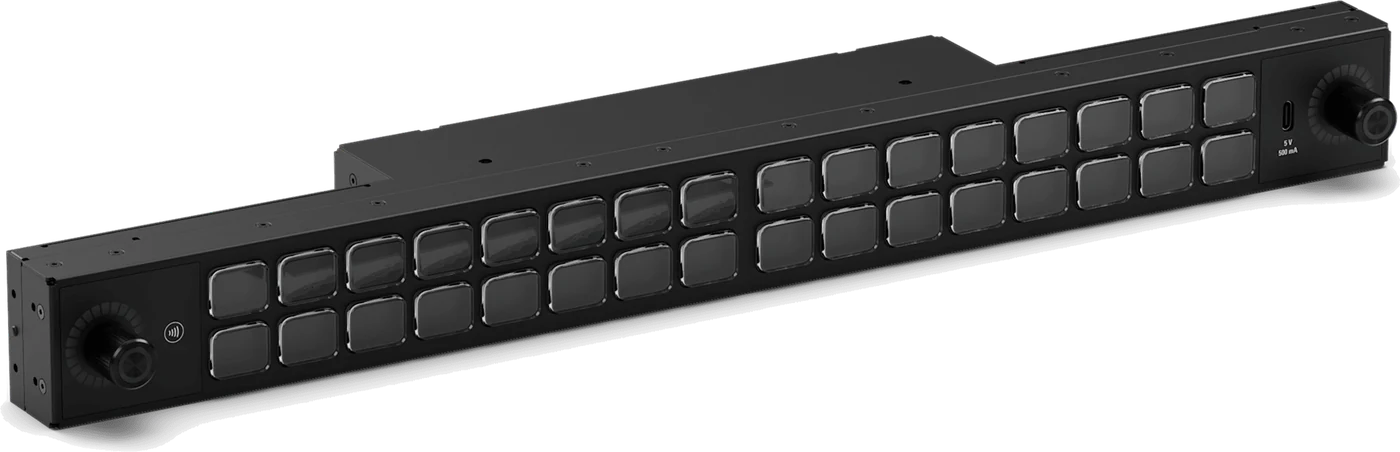
Stream Deck Studio
- Form
- 1U panel for a 19-inch rack, brackets included
- Controls
- 32 LCD keys and two push encoders with LED rings
- Power and network
- PoE+ (802.3at Class 4) on Ethernet, or USB-C power delivery
- Software
- Bitfocus Companion, or Bitfocus Buttons by subscription
- Expansion
- A front USB-C port takes another Stream Deck as an extension
For master control, PEG and campus control rooms, and flypacks.
Decks for the desk
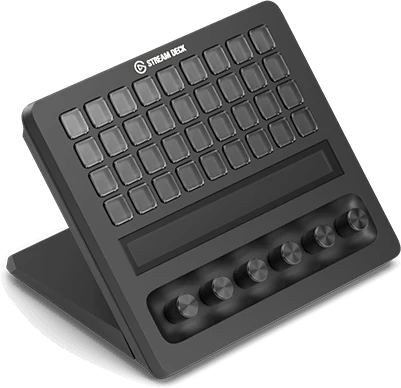
36 keys, 6 dialsStream Deck + XL
36 LCD keys, six push dials and a touch strip, for technical directors, audio and graphics operators.
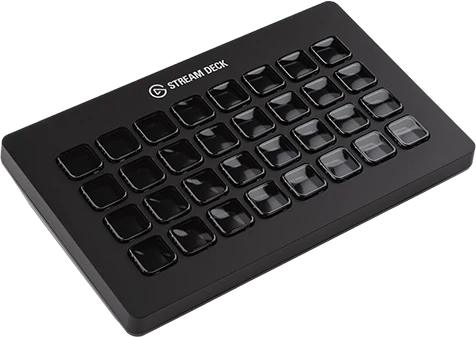
32 keysStream Deck XL
32 LCD keys on a magnetic stand, for producer and director positions.

8 keys, 4 dialsStream Deck +
Eight keys, four dials and a touch strip, Zoom certified, for small studios and volunteer desks.
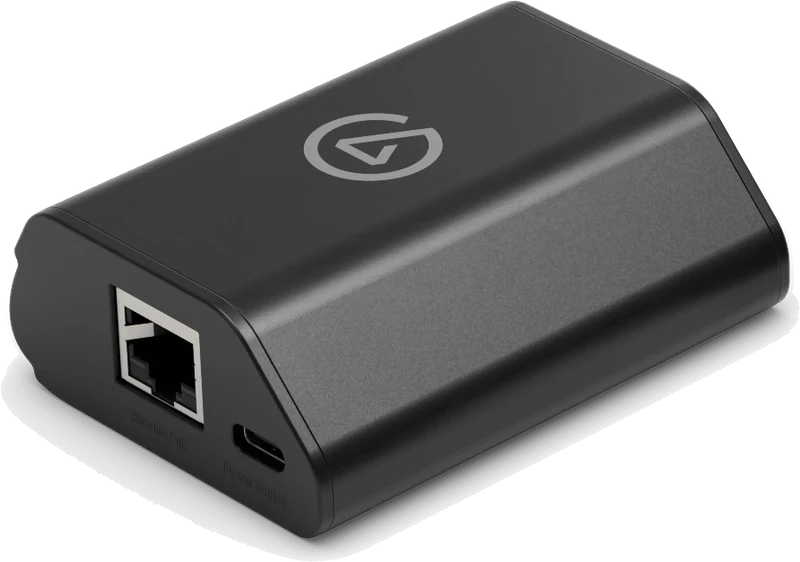
Ethernet and PoE for a desk deckNetwork Dock
Puts a desk Stream Deck on the network, so it can sit at a dais, booth or press riser instead of next to the computer. It does not work with Stream Deck Studio.
Hands-free and built-inPedal and Modules
Stream Deck Pedal gives three foot switches for hands-free cues. Stream Deck Modules (6, 15 and 32 keys) are bare keypads for integrator-built lecterns, desks and walls.
What it controls
- Elgato's own plugins for Zoom and OBS Studio.
- A Vizrt TriCaster and 3Play plugin in the Stream Deck Marketplace.
- Bitfocus Companion, which drives switchers, playback systems, lighting and graphics.
- Elgato Key Lights, from the deck or from Elgato's Control Center.
Prompter
Teleprompters for presenters and studio cameras.
The script runs from Elgato Camera Hub on a computer and shows through a beamsplitter in front of the lens.
- Prompter
- 9-inch, 1024 x 600 screen at 400 nits, with power and video on one USB-C cable, for cameras up to 11 cm long and 3 kg
- Prompter XL
- 15.6-inch 1080p screen at 600 nits, readable to 4.6 m, on USB 3.2 Gen 2 with 15 W power delivery, for a camera and lens up to 22 cm long and 5 kg
- Software
- Elgato Camera Hub on Mac or Windows; it does not run on ARM laptops such as Snapdragon models
For lecture capture, PEG interview sets and corporate messages.

Camera to computer
Cameras into the computer, for Zoom and streaming.
Elgato's capture devices accept unencrypted HDMI only.
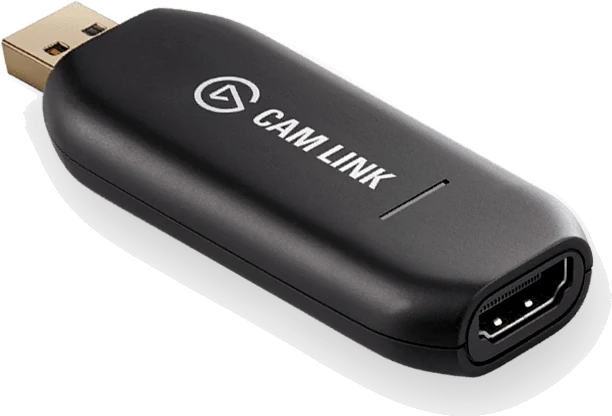
HDMI to USBCam Link 4K
Turns a camcorder or PTZ camera's HDMI output into a USB webcam, up to 4K60 on the latest model, for a Zoom or streaming laptop.
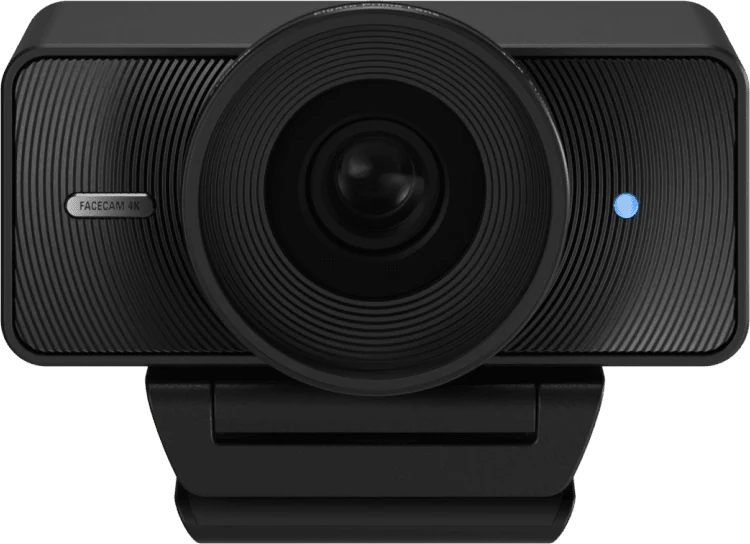
4K60 webcamFacecam 4K
A 1/1.8-inch Sony STARVIS 2 sensor, 4K60, HDR up to 4K30 and a 90° field of view, for desk positions and remote guests.
Capture from a computerGame Capture 4K X
HDMI 2.1 in and passthrough over USB 3.2 Gen 2, for capturing a presentation or graphics computer. HDR capture works on Windows only.
Key Light and Wave
Light and audio for desk positions.
Key Lights and the Wave XLR MK.2 can be controlled from a Stream Deck.
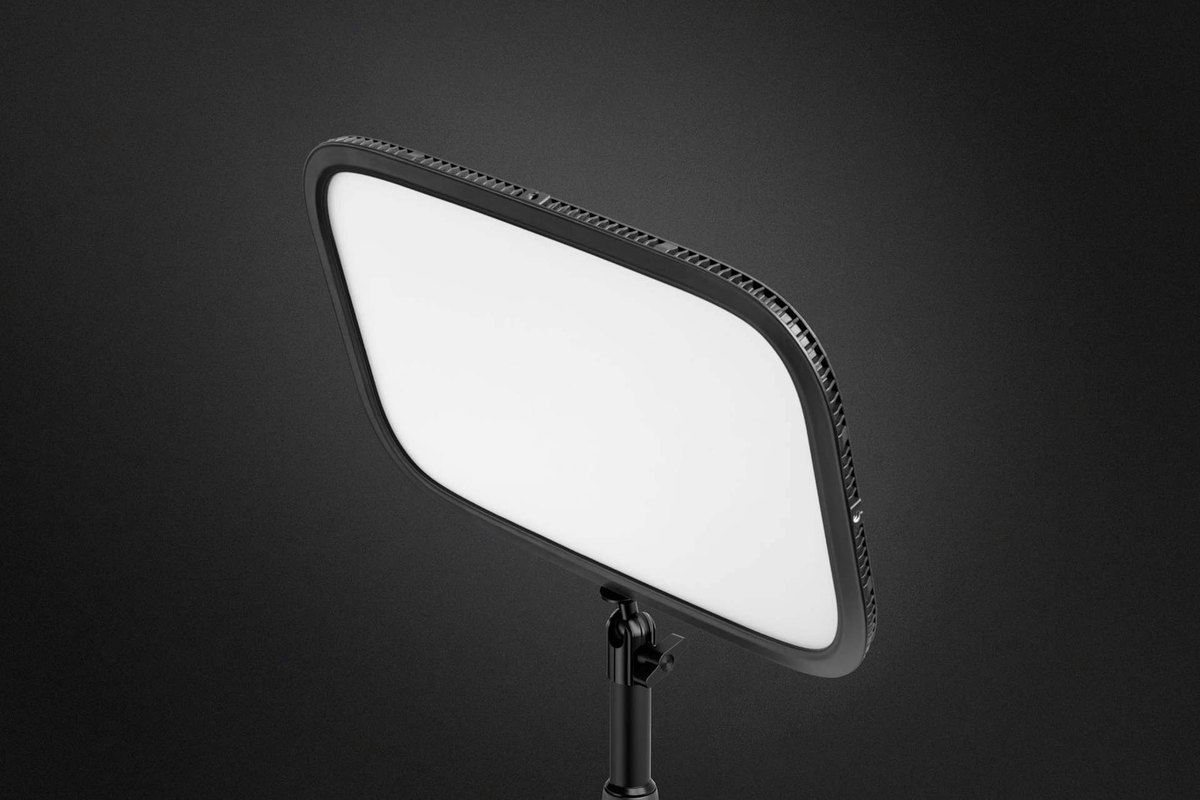
- Key Light
- 2800 lumens, 2900 to 7000 K, controlled over Wi-Fi from Control Center or a Stream Deck
- Key Light Air MK.2
- Up to 2100 lumens on USB-C power, with full output on a 30 W or larger adapter
- Wave XLR MK.2
- One XLR input with 48 V phantom power and 80 dB of gain, controlled from the deck
- Wave XLR Pro
- Two XLR inputs, five hardware mixes, line in and out, and two headphone outputs
For presenter desks, remote guest positions and small studios.
We program the keys for the system they run.
We map each operator's keys to the switcher, playback, cameras and lights the room runs, install the software your IT team approves, and train the operators on their pages.
- Positions: who runs what, from the director and technical director to audio, graphics and the presenter.
- Network: decks on USB at the computer, or on the network with Network Dock or Stream Deck Studio on PoE+.
- Software: the Stream Deck app, Companion or Buttons, and who maintains the profiles.
- Training: operators learn their pages and what to check when a key stops responding.
What to send for an Elgato quote
- Positions: how many operators, and what each one controls.
- Systems to control: the switcher, playback, cameras, lights and conferencing app, by name.
- Computers: Windows or Mac, and any ARM laptops.
- Network: PoE on the switch, and IT rules for installing software.
- Prompting: the camera and lens, with their length and weight.
- Rooms: how many, and which need a rack panel.
An equipment list is enough to start.
Buying questions
Can a Stream Deck run a control room without a computer?
No. Every Stream Deck, Stream Deck Studio included, works with a Windows or Mac computer running the Stream Deck app, Bitfocus Companion or Bitfocus Buttons. Network Dock and Stream Deck Studio let that computer sit elsewhere on the network.
Can Stream Deck control our Vizrt TriCaster?
Yes, with the TriCaster and 3Play plugin in the Stream Deck Marketplace, for TriCaster systems on Rev 7 or later. It covers TriCaster actions with feedback, macros on TriCaster or 3Play, and DataLink countdowns.
Does it work with Zoom and Microsoft Teams?
Zoom, yes: Elgato publishes a Zoom plugin and Stream Deck is Zoom certified. Elgato removed its Teams plugin in December 2025 after Microsoft retired the interface it used, so Teams actions now run through hotkeys.
Will Key Lights join our office Wi-Fi?
Key Light connects to 2.4 or 5 GHz Wi-Fi with WPA or WPA2. Elgato does not list enterprise (802.1X) sign-in, so check with IT before a building-wide rollout.
Send the operator positions.
We will build the decks.
We come back with the hardware, the software and the profiles each operator needs.