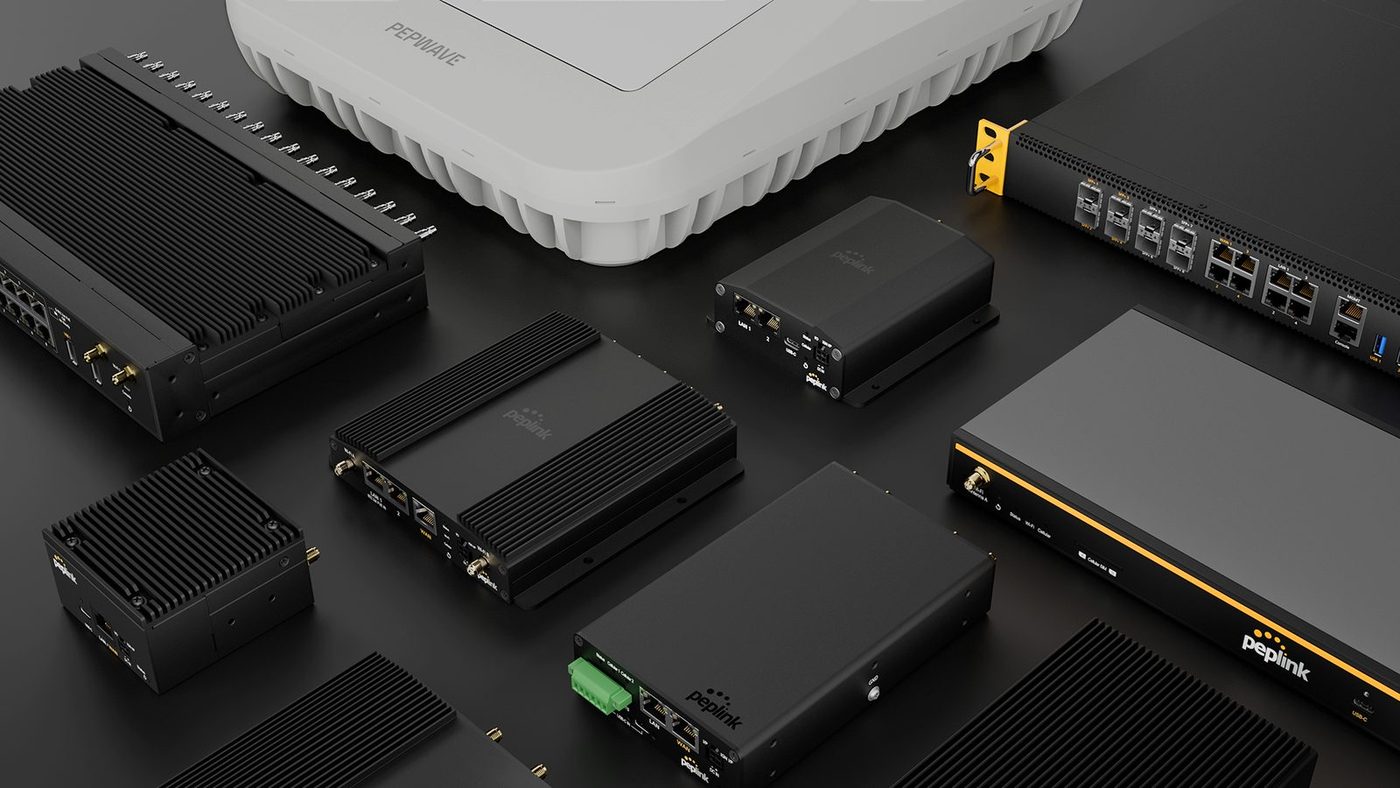
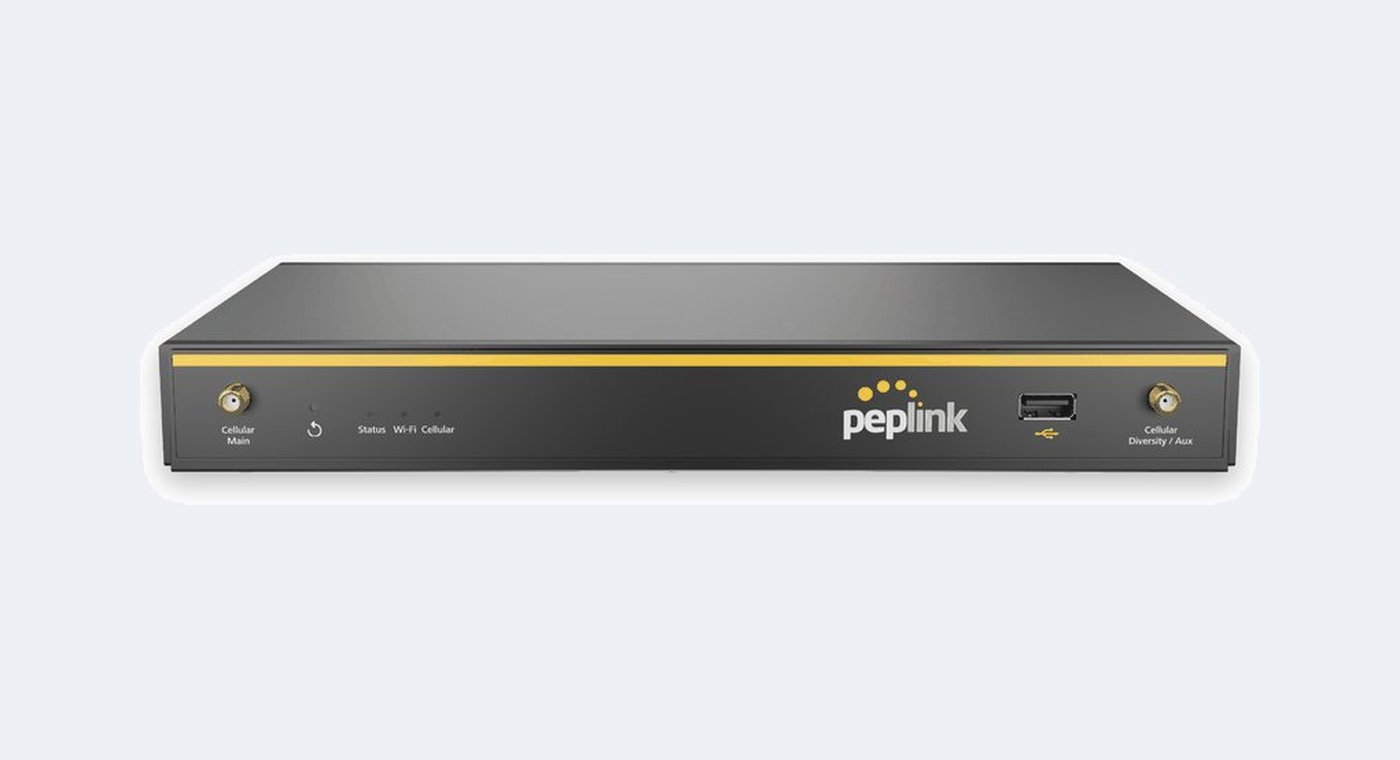
Multi-WAN routers that keep a site online when one link fails.
Wired, fiber, cellular and satellite at once, in a desktop box, a vehicle chassis or a rack. Varto sells Peplink hardware, offers router configuration and rents connectivity kits.
Four families, sorted by where the router has to go.
Form factor, temperature range and the number of cellular modems separate these more usefully than throughput does.
buildings and branches
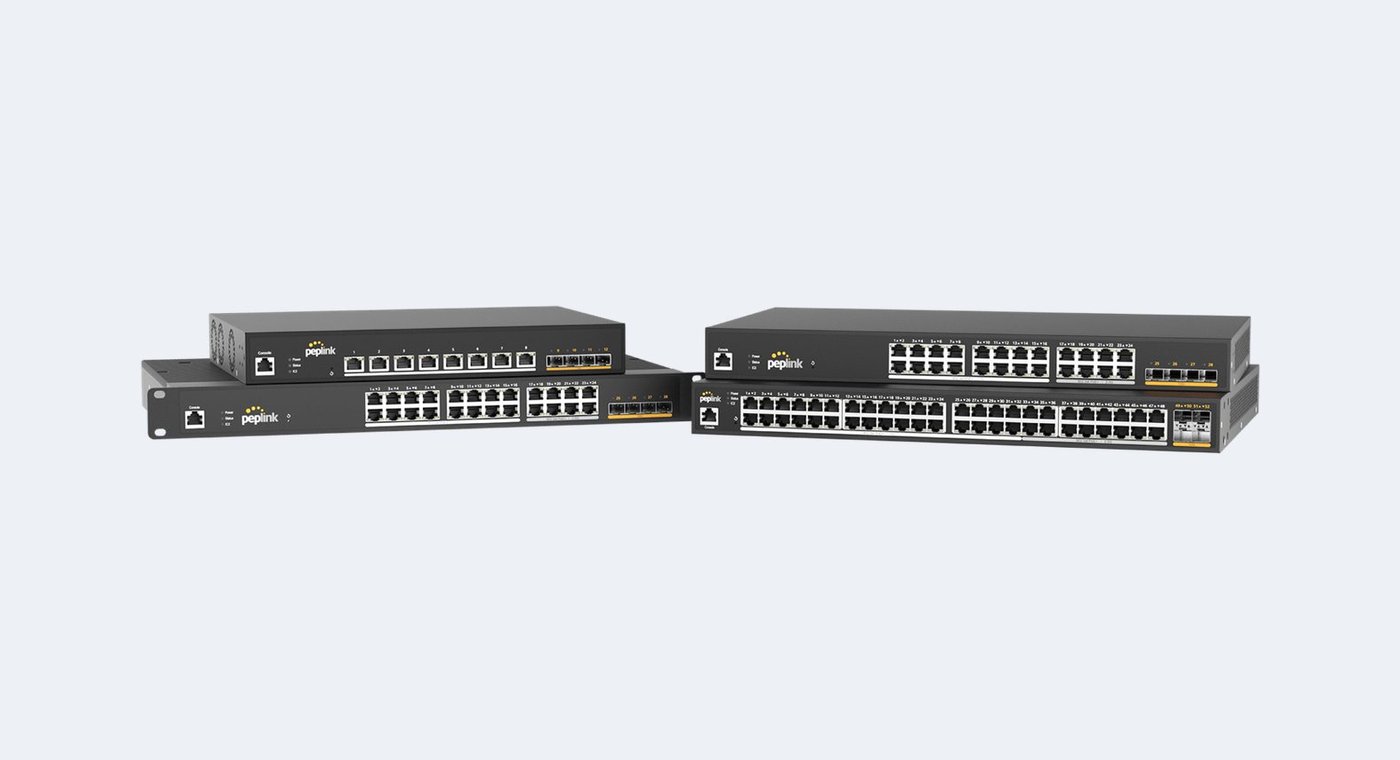
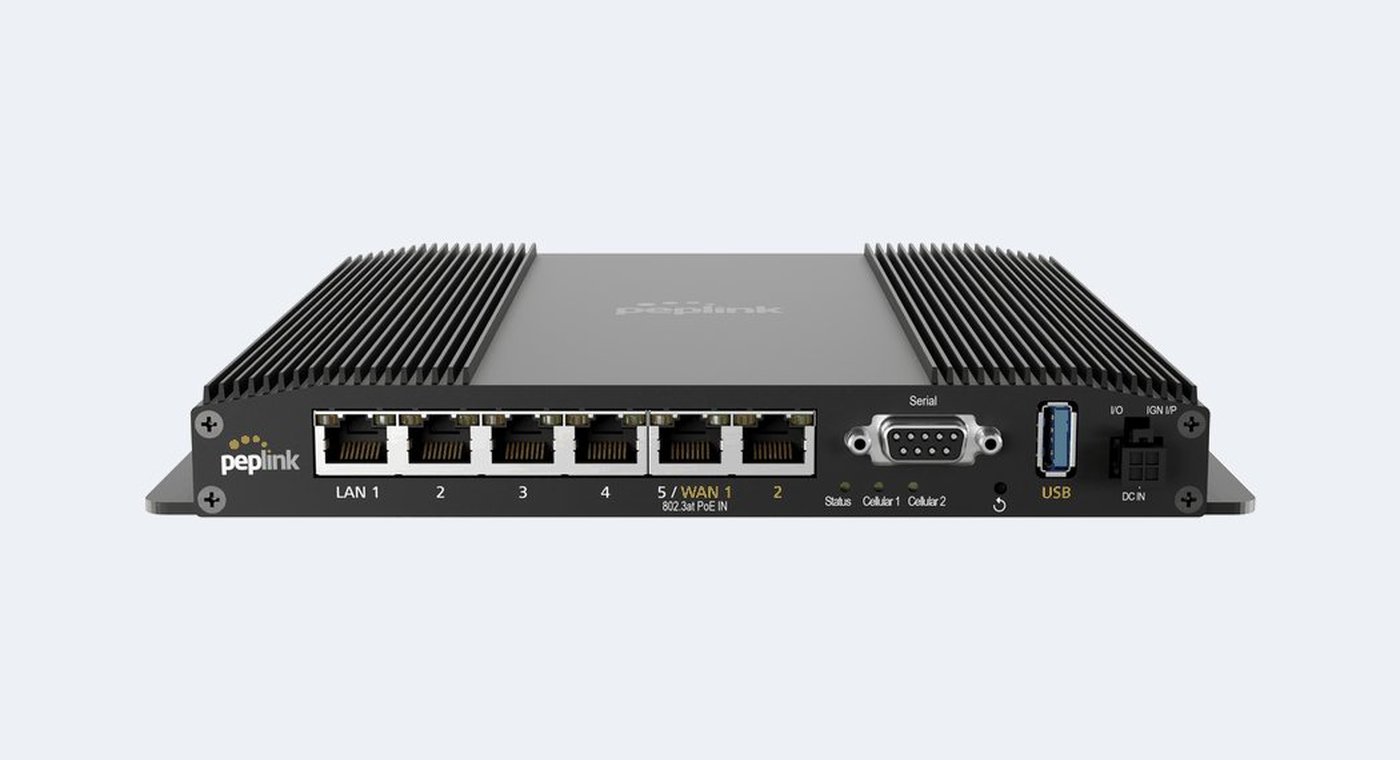
Balance, SDX and EPX
Desktop and rackmount routers for a facility. Wired multi-WAN across the Balance line, a built-in modem or a module slot on the wireless models, and 10G SFP+ with edge compute at the top of the range.
vehicles and flypacks
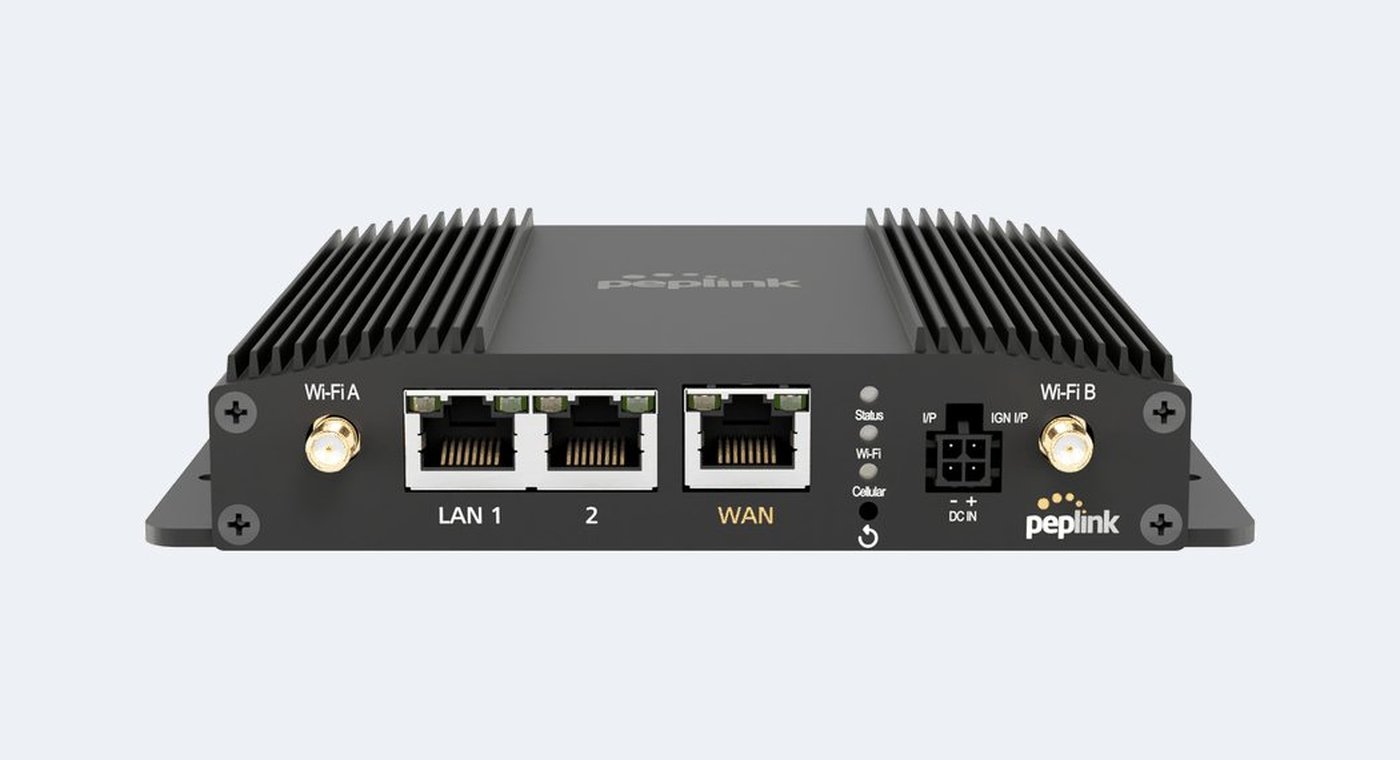
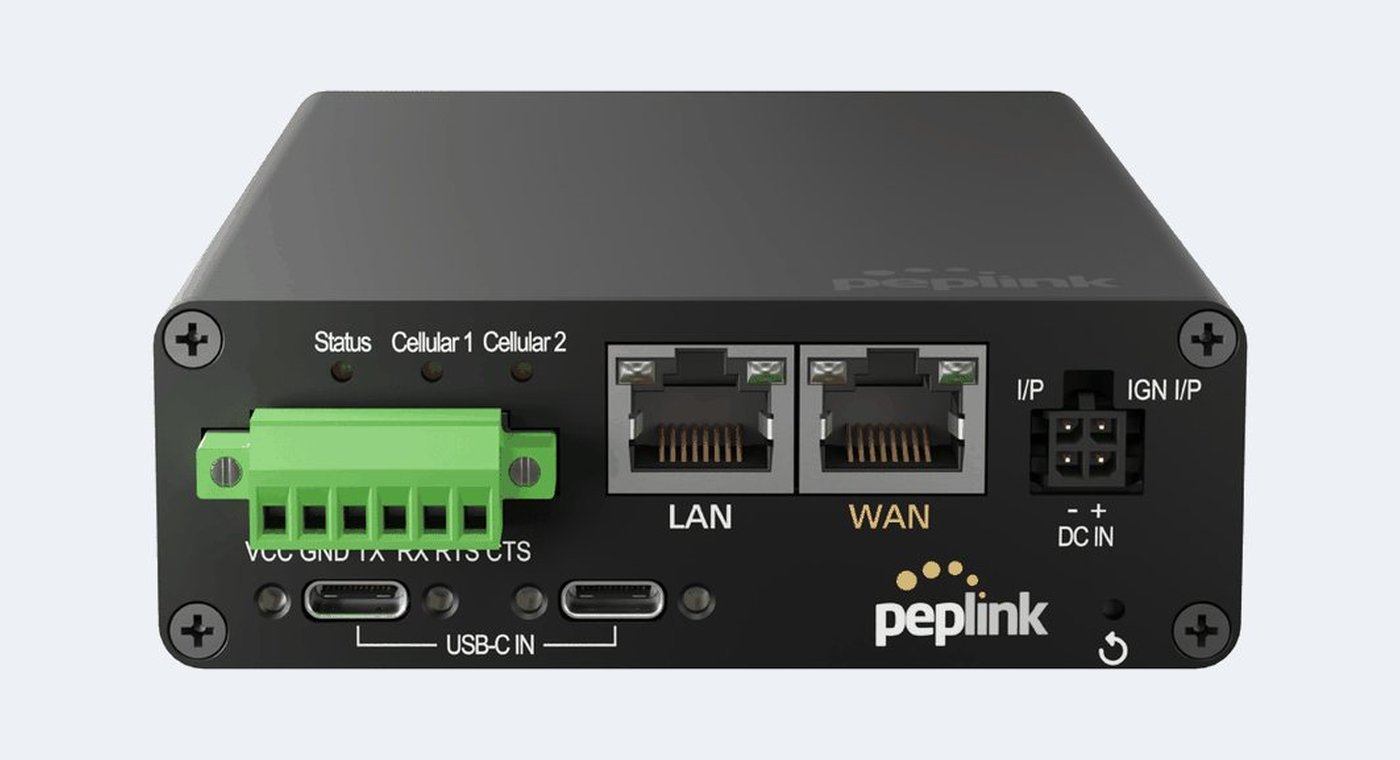
MAX BR and Transit
Fanless ruggedized routers with one or two cellular modems and wide DC input, with ignition sensing on the Pro and Transit models.
outdoors and on the move
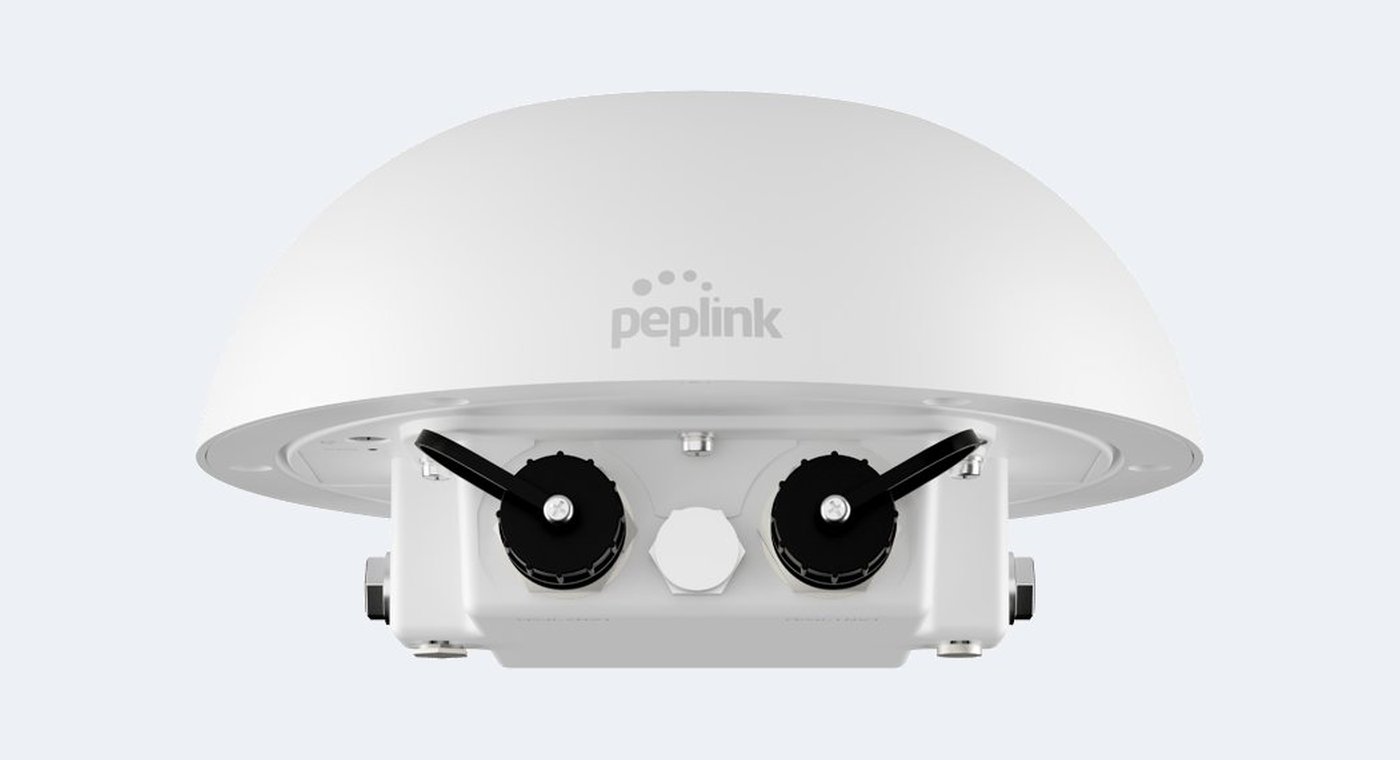
Dome, MBX and PDX
Router and antennas together in one IP67 enclosure, vehicle mount units carrying up to four modems, and a ruggedized carry case unit that runs on battery.
the rest of the site
Access points and switches
Peplink also builds Wi-Fi access points and PoE switches. They run under the same InControl 2 cloud management as the routers, so one site is one view rather than three consoles.
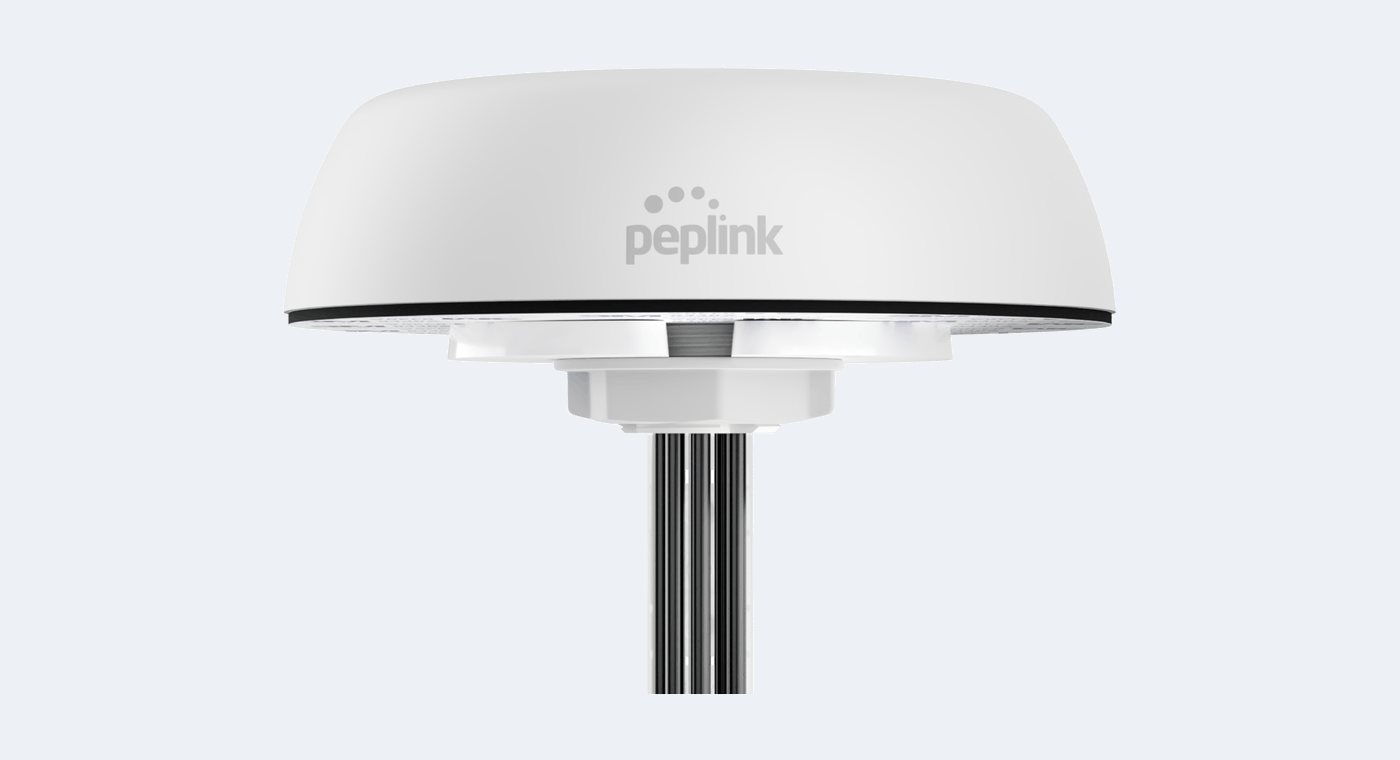
Antennas and mounts are their own order codes on the units that do not have them built in. SIM format differs by generation, nano on the current mobile line and mini on the older enterprise units. PoE output on several models is licensed or depends on the power input, which is worth settling before the cameras are ordered.
// models we quote
Featured Peplink routers.
SpeedFusion figures are published by Peplink, at 256-bit AES.
compact cellular
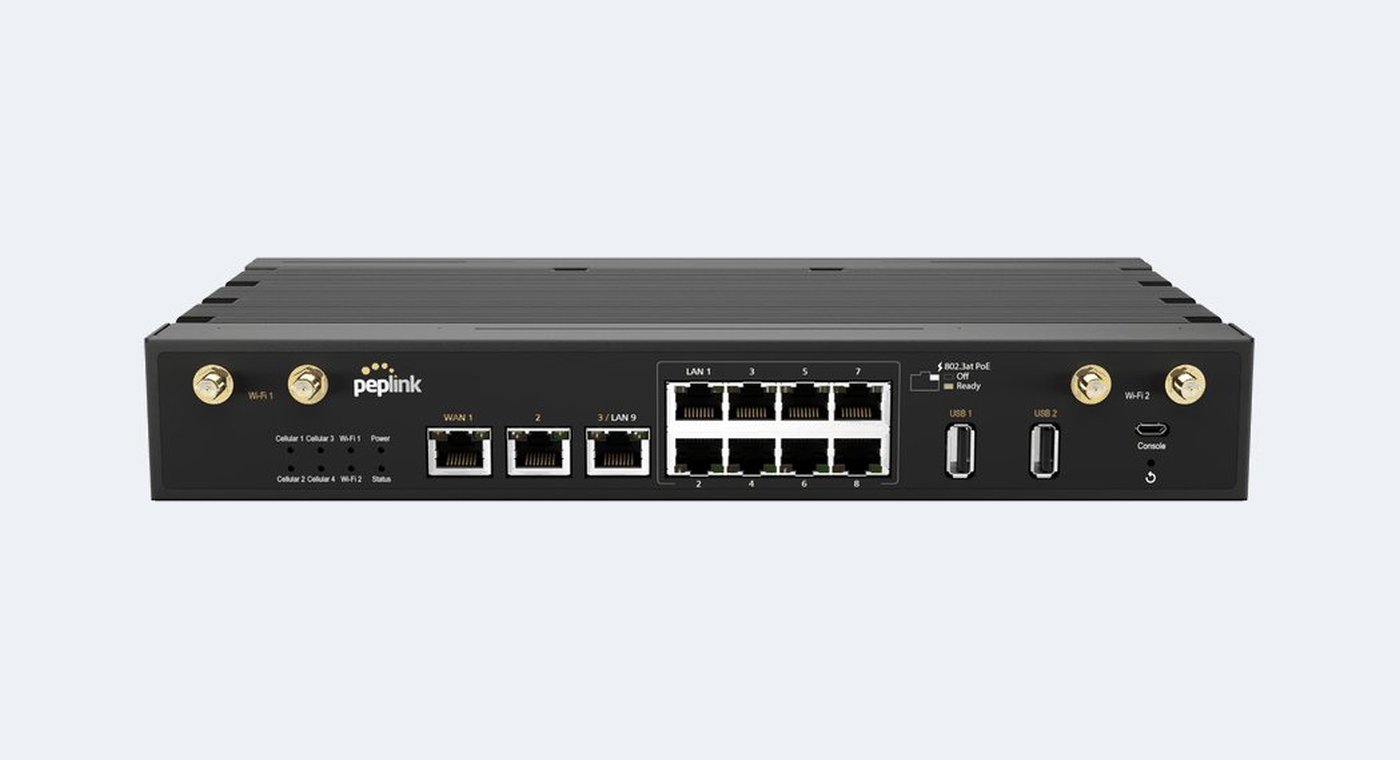
MAX BR1 Pro 5G
One 5G modem in a fanless box small enough to ride a camera cart or sit under a desk. The usual answer when a single position needs its own path out.
speedfusion200 Mbps modems1
contribution and events
MAX BR2 Pro
Two modems, so a weak cell on one carrier is not the whole story. The workhorse where the show has no wired service to lean on.
speedfusion200 Mbps modems2
production vehicles
MAX Transit Duo Pro
Two modems with ignition sensing, so the router follows the vehicle rather than needing someone to remember it. Wide DC input and a vehicle temperature range.
speedfusion200 Mbps modems2
command vehicles
MBX
Up to four modems in a vehicle mount chassis. Where the bonded link has to hold up a whole operation rather than one feed.
speedfusion500 Mbps modemsup to 4
fixed sites
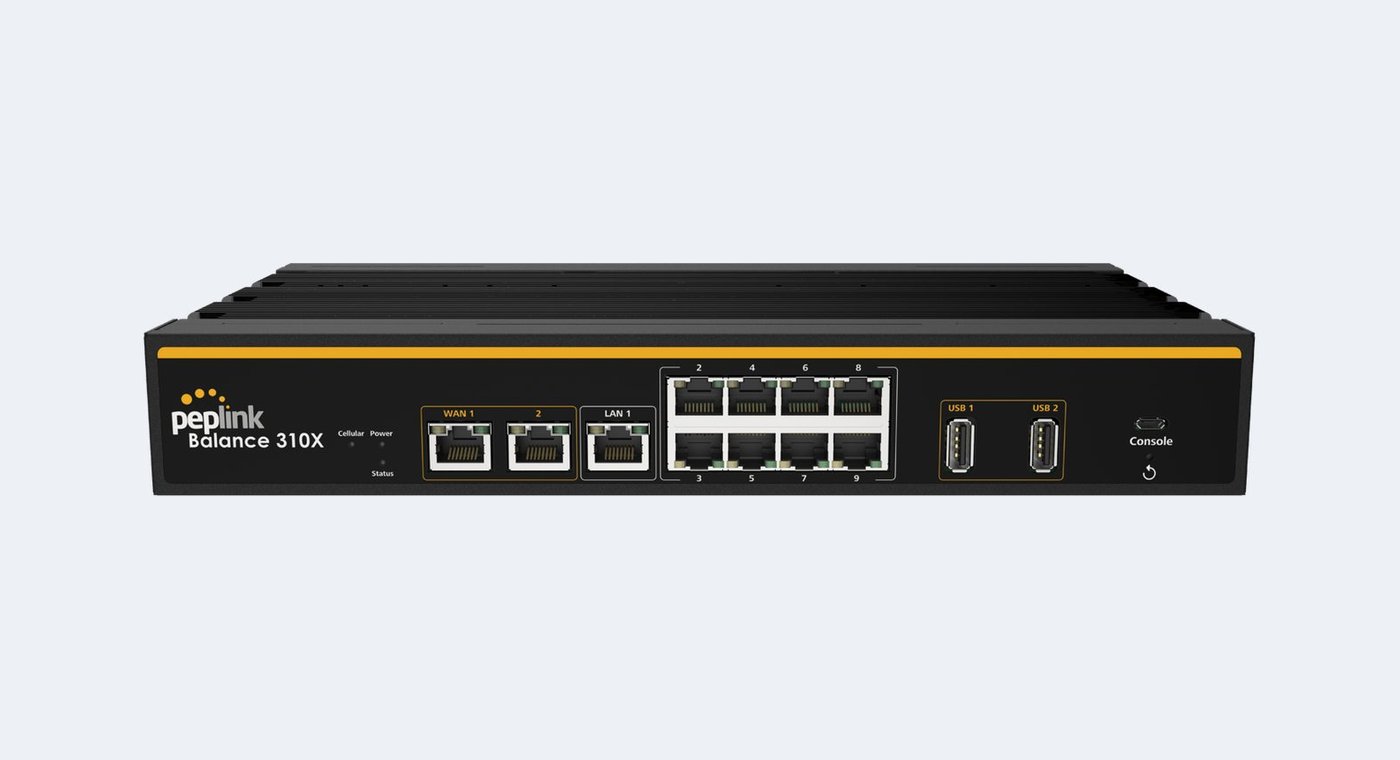
Balance 310X
Wired multi-WAN with cellular alongside it, for an office or a venue that wants a second path onto the internet rather than a mobile one.
speedfusion500 Mbps wanwired plus cellular
facilities
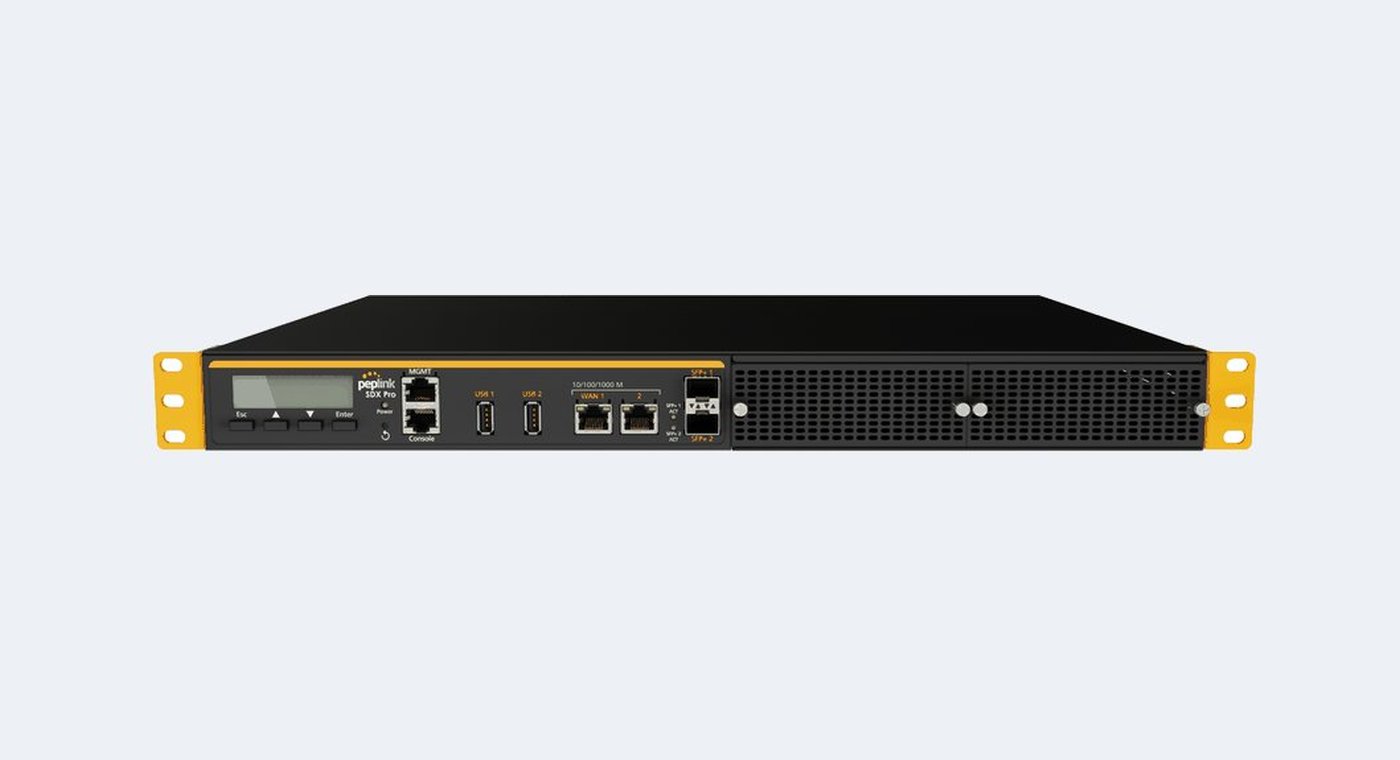
SDX Pro
Rackmount, 10G SFP+ and edge compute. The top of the range for a building that carries production traffic as well as business traffic.
speedfusion600 Mbps uplink10G SFP+
Peplink revises models without renaming them, so we confirm the figure and the modem count for the exact variant on the quotation. Antennas are ordered with the unit.
Order the hardware on its own, or add configuration for your site.
what it covers
Configured before delivery
WAN priorities, failover behavior, VLANs and the SpeedFusion profile, loaded and tested before the router ships. The scope and the pre-delivery testing are agreed in the quote.
rental
Or rent it cabled and configured
Peplink connectivity kits are part of the Varto rental range for single productions, subject to fleet availability.
The network under the show: comms, cloud tools, remote access and file transfer alongside whatever contribution path the encoder is using.
usuallyMAX BR2 Pro or MBX with an external antenna
vehicles
Production and command vehicles
Ignition sensing so the router follows the vehicle, more than one modem, and antennas rated for weather.
usuallyMAX Transit Duo Pro or MBX, roof-mounted antennas
events
Temporary sites and events
No wired service, a crowd on the same towers, and a load-out time. Several carriers at once widens what is actually available on the day.
usuallya Pro class router, an access point and a slim antenna
fixed sites
Offices, venues and branch sites
A second path onto the internet, so a cut fiber or a carrier outage is an inconvenience rather than a day without phones or payments.
usuallya Balance router with cellular, and PoE switching under it
These are the shapes we see, not packages. What a site needs depends on the connections actually available at that address.
// how the links behave
Failover, load balancing and bonding do different things.
The first two are standard multi-WAN behavior across the line. SpeedFusion bonding is the one that keeps a single live session running across both links.
Failoverstandard multi-WAN behaviorThe router notices a link has died and puts new sessions on another one. Anything already running starts again, because the public address changed underneath it.
Load balancingstandard multi-WAN behaviorNew sessions are spread across the links by weight, priority, least used or lowest latency. Total throughput across many sessions rises, and any one session still rides a single link.
SpeedFusion bondingincluded on some models, licensed on othersPackets from a single session are spread across both links inside an encrypted tunnel, so one session can keep running when a link drops instead of starting again.
What a bonded link needs
Two ends and the feature on the model. The far end is a second Peplink device, a FusionHub you host, or a SpeedFusion Connect subscription. On several models the feature itself is a subscription or a feature pack, and on the BR1 Mini family that pack also enables the wired Ethernet WAN, so we confirm it against the exact model on the quotation.
A router is not a bonded encoder
A Peplink tunnel is IP transport, so anything that speaks IP rides over it. A bonded video encoder such as a LiveU bonds inside its own transport, to its own servers. They sit at different layers and routinely share a site.
The drawings are illustrative comparisons, not performance figures. What a bonded session actually gets is capped by the SpeedFusion throughput of that model and by what the links deliver at the site.
SpeedFusion throughput is the ceiling, not router throughput.
On a bonded workflow the encrypted SpeedFusion figure is the ceiling, not the router WAN throughput, and it covers the whole tunnel rather than each link. Across the line, the figures are Peplink’s published SpeedFusion throughput at 256-bit AES.
Where it sits
Models
SpeedFusion at 256-bit AES
Compact cellular
MAX BR1 Mini family
20 Mbps, or 60 Mbps on the PrimeCare models
Small branch
Balance 20X, BR2 Micro
60 Mbps
Branch
Balance Two, Balance 305 and 380
150 Mbps
Mobile and field Pro
MAX BR1 Pro 5G, BR2 Pro, Transit Duo Pro, Dome Pro LR
200 Mbps
Vehicle and high-end branch
MBX, MBX Mini, PDX, Balance 310X
500 Mbps
Rackmount
SDX and SDX Pro
600 Mbps
Data center
Balance 2500 EC, EPX
4 Gbps
Published cellular rates are theoretical maxima. Smoothing buys resilience by sending duplicate packets, so it uses bandwidth by design and counts against a metered plan, and bonding cannot create capacity the carriers do not have at the site.
// warranty and subscriptions
What renews, and what it covers.
Peplink’s published terms. We confirm what applies to the exact model on the quotation.
warranty
Hardware warranty
Peplink states a one-year limited hardware warranty, and the care plans extend that coverage period.
care plans
EssentialCare and PrimeCare
Both cover support with standard return and repair. The plus tiers add advance hardware replacement. PrimeCare and PrimeCare+ also carry the SpeedFusion capability and FusionHub peers. All of them include InControl 2 and firmware upgrades.
sim and data
SIM and data
The carrier plan is yours. Peplink also sells its own eSIM data plans, and some eSIM options depend on a firmware version.
// buying through varto
One router, or the whole site.
Varto is an authorized Peplink dealer.
equipment
Equipment
Buy a router, with configuration available separately. The router, the antennas it needs, the care plan that covers what you are asking for, and the far end if bonding is the point.