
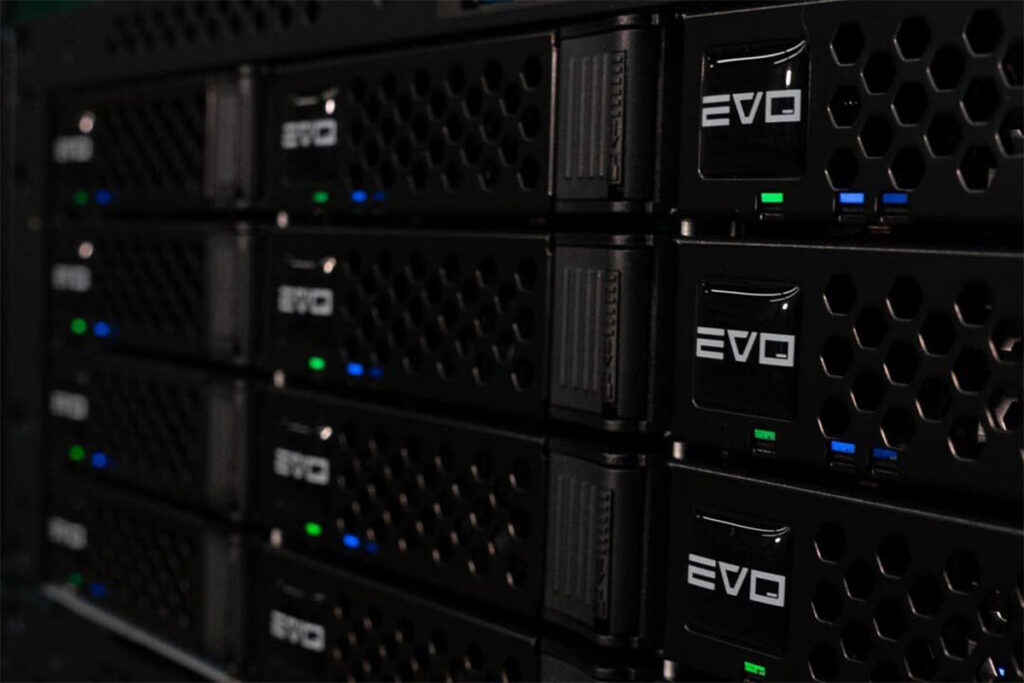
SNS EVO is built for media teams that need more than a place to store files. It is a shared storage platform designed for video editors, producers, graphics teams, audio teams, schools, houses of worship, corporate media departments, post facilities, broadcasters, and anyone managing large creative projects across multiple users.
For many teams, the pain point is not just capacity. It is slow local drives, duplicated media, unclear folder structures, missing project files, manual backups, remote editors needing access, and producers asking where the latest version lives. EVO helps solve those problems by combining high-performance shared storage with workflow tools designed specifically for media production.
What’s New
SNS continues to position EVO as a complete workflow platform, not just a storage server. Every EVO includes EVO Suite, which brings media management, automation, remote editing support, security features, performance tools, and expert support into the system.
That includes ShareBrowser for media asset management, Slingshot for automations and transcoding, and Nomad for remote editing workflows. SNS also highlights built-in tools for tagging, commenting, searching, previewing, archiving, organizing media, automating backups, generating proxies, and helping teams work from anywhere.
EVO is available in multiple system options, including larger rackmount systems like EVO 16 Bay and EVO 8 Bay, plus smaller systems like EVO Prodigy Desktop. This gives teams a way to choose the right level of performance, capacity, and expansion based on their editing environment.
Why It Matters
A proper shared storage workflow can change how a creative team works every day. Editors can access the same media without passing drives around. Producers can find content faster. Assistants can organize, tag, and prepare media. Remote editors can work with proxy workflows. IT teams can build a cleaner storage and backup strategy.
For media production, that matters because generic network storage often falls short. Video workflows need real-time performance, multi-user access, predictable bandwidth, and tools that understand how creative teams actually work. EVO is purpose-built for applications like Adobe Premiere Pro, DaVinci Resolve, Final Cut Pro, Avid Media Composer, After Effects, Pro Tools, and other professional media tools.
It also helps teams plan for growth. A small team may start with a compact EVO system, while a larger department may need rackmount storage, faster networking, expansion planning, remote workflow support, and deeper backup or archive integration.
How Varto Can Help
Varto can help design the right SNS EVO system around your actual workflow. That includes storage capacity, drive type, editing resolution, number of users, 10GbE or higher networking, switch requirements, workstation connectivity, user permissions, backup planning, remote editing, cloud workflow, and long-term expansion.
We can also help determine whether EVO 8 Bay, EVO 16 Bay, EVO Prodigy Desktop, or another SNS configuration makes the most sense for your team. If you are currently editing from local drives, consumer NAS systems, unmanaged project folders, or disconnected storage, Varto can help map out a cleaner shared workflow.
The goal is not just to sell storage. The goal is to build a media workflow that helps your team edit, organize, protect, and deliver content with fewer bottlenecks.
Related Workflows
Shared storage for video editing, collaborative post-production, broadcast production storage, media asset management, proxy workflows, remote editing, backup automation, archive, cloud-connected production, Adobe Premiere Pro, DaVinci Resolve, Final Cut Pro, Avid Media Composer, Pro Tools, and multi-user creative environments.
Source / Attribution
Source: Studio Network Solutions EVO, EVO Suite, and How to Buy product information.